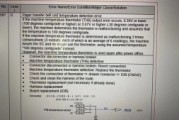
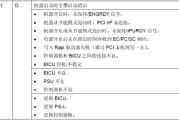
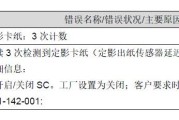
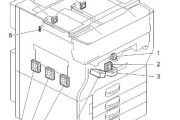
Symptoms: The boot equipment has self-checking action, the fixing has temperature, and an error is reported during the self-checking process. Cause: The possible reasons for the failure are as follows; 1. The paper transfer belt waste toner thermistor is poor: replace the thermistor. 2. Machine temperature thermistor (TH...
Symptoms: There are magenta stripes perpendicular to the paper feeding direction in the output image of IM C8000 printed document (as shown in the figure): maintenance analysis process: 1. during the output process of solid color sample map, the three color drum units are running at the same time, obviously in yellow and...
Symptom SC670-01, and unable to enter SP maintenance mode. Repair process 1. Check the repair manual to confirm that the machine's GW+operating system malfunctioned during startup. 2. Hardware related to this fault: controller board NV-RAM; According to ..
High speed color machine: MPC6502 series/MPC6503 series/IMC6500 series SC559-00 fault code solution Symptoms: An IM C6500 model initially experienced SC442-00 fault ..
Symptom IMC8000 locked motor accident. Perform SP1-040-001 (drawer lock motor unlock operation), cannot unlock. Parts related to the drawer unit lock need to be manually removed, which may cause damage to the drawer unit cover during removal....
An IM C6500 model experienced SC370-03 fault code, which can be resolved by turning it on and off. Appears again after several consecutive outputs. Repair process 1: Using SP7403 to check SC history records, it was found that all recent SC3
Phenomenon: Printing a small amount of the machine is normal, but if a job has dozens or even hundreds of pages, the machine will restart and display a paper jam after restarting. After eliminating the paper jam, the machine will automatically continue printing, and then automatically restart and get stuck again. Repair process: 1 Upgrade the most ..
Single sided printing is normal, double-sided reporting sc515-02. There is a strange noise when starting up, and all sensors have been swapped. Before starting up, push the right double-sided wheel to the innermost position without reporting a code. The abnormal noise time has also been shortened, but the double-sided device still cannot be used. Replace the PFB board later ..
Due to the new user interface adopted by IMC6500, the necessary settings for installing the card reader in the card swiping software can be referred to in the following steps. Repair process 1. Enter the user tool, click on "System Settings" (if administrator verification is enabled, please...)