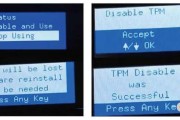
Problem description: After power on self-test, an error message of "81.09.00" was reported. Attempted to execute "particle clean" and "format disk" in the proboot menu to upgrade the firmware, but both attempts were unsuccessful
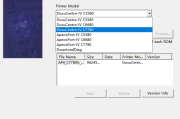
Xerox DC_S2520_S2320 intermittent network disconnection fault countermeasures firmware+upgrade method 1 Connect the computer to the machine using a USB cable. 2. Press "power-saving"+power on to enter "DL" mode. 3. Run the "d" option in the firmware upgrade package
Fault phenomenon: When the machine is turned on, an error message "093-92X" appears indicating low toner concentration. Solution: When using original toner, this problem usually occurs on machines that print a lot of black and white, with little or no use for color. Due to machine inspection ..
Sharp DX-2008UC Firmware Upgrade Program Firmware Upgrade Tutorial Method A. Version upgrade is required in the following cases. ROM version upgrade is required in the following cases: 1) When machine performance needs to be improved; 2) Install a...
Xerox 5th Generation AP DC-V 7080 6080 Xiaomengshen Upgrade Firmware Chinese Repair Manual Overview This technical bulletin recommends and requires the use of transfer component repair kits (604...