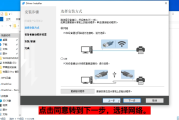
Ceres(Apeos C2450S) China Red Driver V7.1.2.2 Xerox Apeos C2450S Ceres Driver, Firmware Upgrade Procedure 1.2 Version Chinese Maintenance Manual Summary...
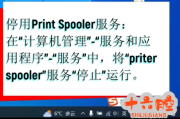
How to completely delete the printer driver-video tutorial when the printer driver cannot be uninstalled normally or the fault persists after reinstalling the printer driver, the printer driver needs to be completely deleted. completely remove the print driver steps: 1...
The print driver and scanning application of Ricoh P C300W/M C250FWB domestic system Rio1_Rio_2Mercury1 * * * This content is hidden by the author * * *, firmware upgrade, Ricoh copy ..
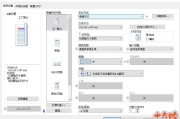
A brief explanation of the job mode of Ricoh IM C6000 print driver: 1. Print ordinary print files directly, and the files will be automatically deleted after printing. Detailed information: Enter your user ID. User identification number: User ID on the control panel ..
Symptoms: MP C5503SP models use the domestic operating system (UOS) to print out red-headed files with abnormal results: the red-headed font is black and white output (inconsistent with the document itself, the document is red), but the length below the text is long...
Symptom 1: Unable to install SOM and print driver after replacing the motherboard. Symptom 2: Unable to connect SOM after replacing the motherboard. Reason: The default setting of the machine is "PNP ID" to "SP 210 SFU". Solution: Symptom 1: Using "us
SC899 code appears MPC407SP the symptom, switch on/off does not clear the code. maintenance process 1.MPC407SP SC899 fault code, after the switch code can not be cleared; 2. after inspection, disconnect the machine cable...