| Machine model: | All universal |
|---|
|
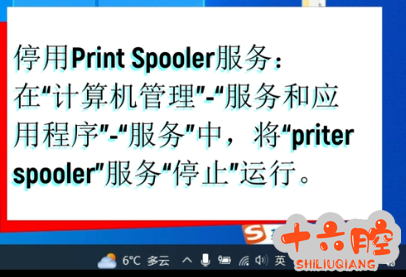
How to remove the printer driver completely-Video Tutorial When the print driver cannot be uninstalled normally or the fault persists after reinstalling the print driver, it is necessary to perform a thorough deletion operation of the print driver. Steps to completely remove the print driver: 1. Delete residual files in the print pool; 2. Delete printer driver; 3. Delete printer driver program; 4. Delete printer port
Link: https://pan.baidu.com/s/1sx_a7M8aJUubRjb-7AkImw Extraction code: x4z4 |
Address of this article:https://073868.com/post/5217.html
Copyright Notice:
For relevant infringements, reports, complaints and suggestions, please send E-mail:weixiuwang68@qq.com
Tags: #Print Driver #Ricoh Video #Video tutorial