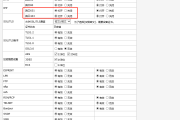
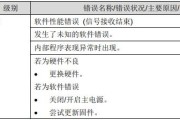
Symptoms: Pro 8200 starts up and reports an error SC899-00, accompanied by a SC860-00 jump in the lower left corner, SC870-01, cannot enter the maintenance mode, and the machine becomes an all-English interface. reason: control...
Cause of the problem: This failure is due to the driver failure that occurred after the upgrade of Microsoft's system (mostly due to the driver that Microsoft automatically added when the customer installed the driver). It is not only Ricoh brand that has occurred, but also other copier brands that have similar occurrences...
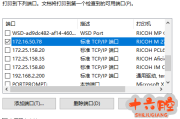
Symptom: The machine does not plug in the Ethernet cable and works normally. After plugging in the Ethernet cable, an error SC899-00 is reported. Analysis process: 1. The customer's system is W10 and W11. Based on past maintenance experience, the WSD (print) port was closed and the machine was turned on for testing, but the error still occurred ..
SC899 code appears MPC407SP the symptom, switch on/off does not clear the code. maintenance process 1.MPC407SP SC899 fault code, after the switch code can not be cleared; 2. after inspection, disconnect the machine cable...
SC899 may appear repeatedly when using IPP (Internet Printing Protocol) for Windows 11 printing, such as Mopria. affected models: IM C6000/C5500/C45...
Symptom: The machine's data receiving light is constantly on, displaying "There is a functional problem" and reporting SC899 error. Reason analysis: The machine's data receiving light is constantly on, indicating that the fault is related to the received data. The user's computer has no restrictions and can install anything ..
Ricoh MP2555 new machine installation report SC899-00 code possible reasons: HDD bad/BICU bad/NVRAM bad/controller board bad/network bad maintenance process 1. Check the fault on site,...
During the installation and debugging process of the new machine, SC899 code appeared when the power was turned off by pressing the main operation switch. Reason: The newly installed scanning memory connection is poor. Solution: After unplugging and reinserting the memory, the problem was resolved. Repair process: 1. Install and debug a new machine ..