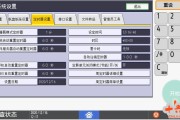
Symptoms SC672-21 failures occur after the machine is started and during use within the specified time. (Note: After starting the machine in the morning, it fails, and it is normal to restart the machine several times. SC672-21 failure occurred from 8: 00 to 10: 00 in customer feedback time....
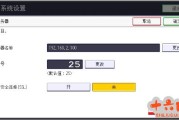
Symptom: After the installation of the IMC2000 new machine is completed and scanned to the email settings, it prompts a failure to connect to the destination when scanning on the machine. However, the customer's computer is receiving and sending emails normally. Repair process 1: Confirm the customer's SMTP server ..
Symptoms IMC6000 SPDF scanning and copying are used. The signal cannot be eliminated after the original paper jam. The paper jam code is 065. No paper scraps are found in DF paper path. The failure of replacing the pre-scanning paper feed sensor and DF control board is still the same. **** This...
Symptom: IMC6000 cannot use wireless (WiFi) printing. The machine has been connected to the local area network using wireless (WiFi), and the computer can ping the machine, but it cannot log in to the machine's built-in webpage or print ..
The setting video for the built-in card swiping function of Ricoh IMC2000 series machines IM_C2000_C2500_C3000_C3500_C4500_C6000/M.C2001 link: https://