
|
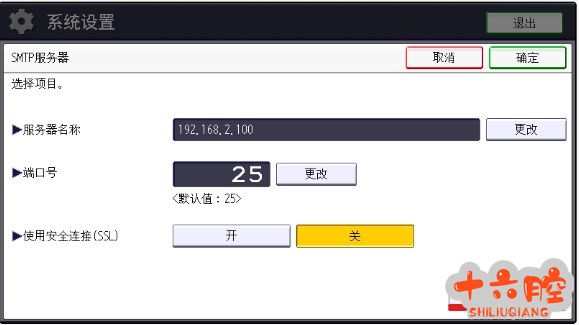
Symptoms After the installation of the IMC2000 new machine was completed and scanned to the email settings, it prompted a connection destination failure when scanning on the machine. However, the customer's computer received and sent emails normally. Maintenance process 1. Confirm that the customer's SMTP server is located within the company and perform an SMTP server connection test in the "User Tools - Machine Features - System Settings - File Transfer - SMTP Server" settings interface;
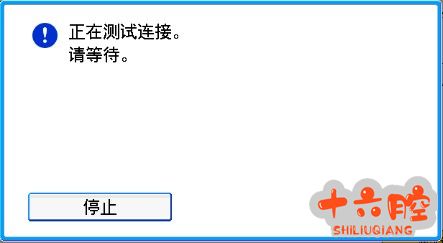
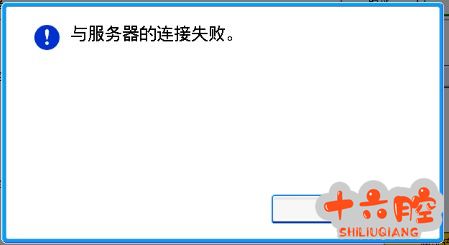
2. The connection test time to the SMTP server is very long, and finally there will be a prompt saying 'connection to the server failed';
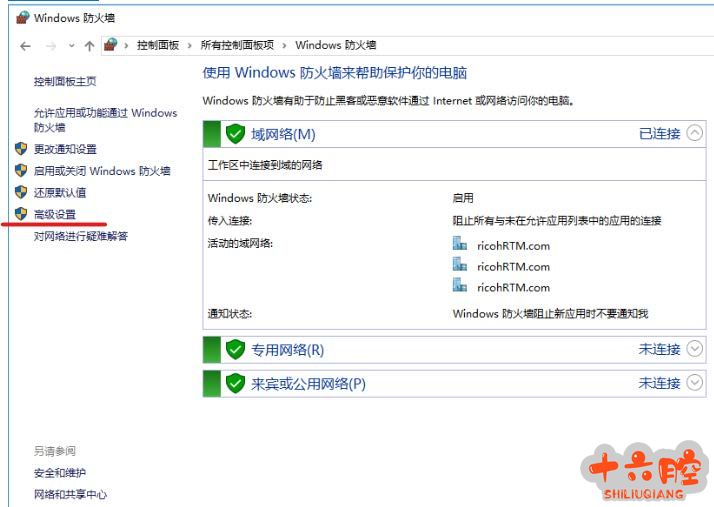
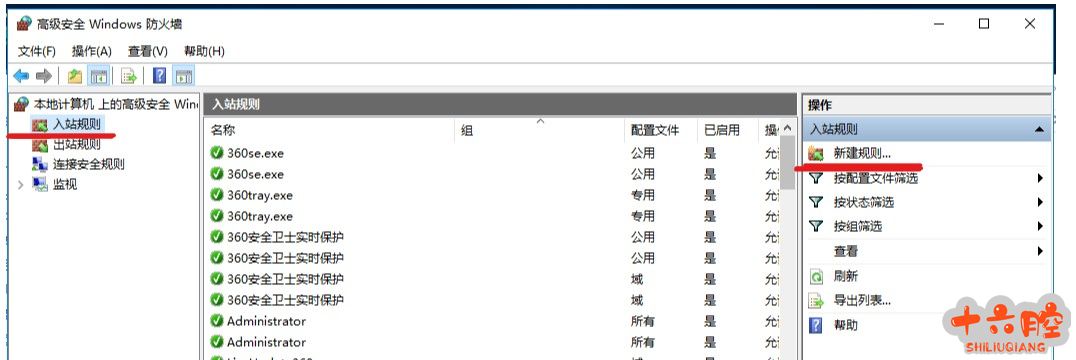
3. After confirming multiple times that there are no issues with the SMTP server information settings, it is suspected that the problem is occurring on the SMTP server side; 4. Enter the "Control Panel Windows Firewall Advanced Settings" on the SMTP server-side computer to add the add site rule;
5. Add new rules in the "Inbound Rules" section;
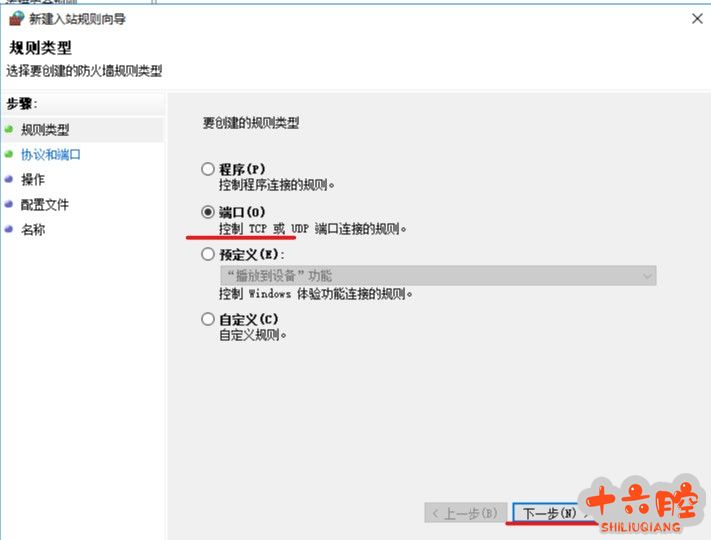
6. Select 'Port' in 'Rule Type';
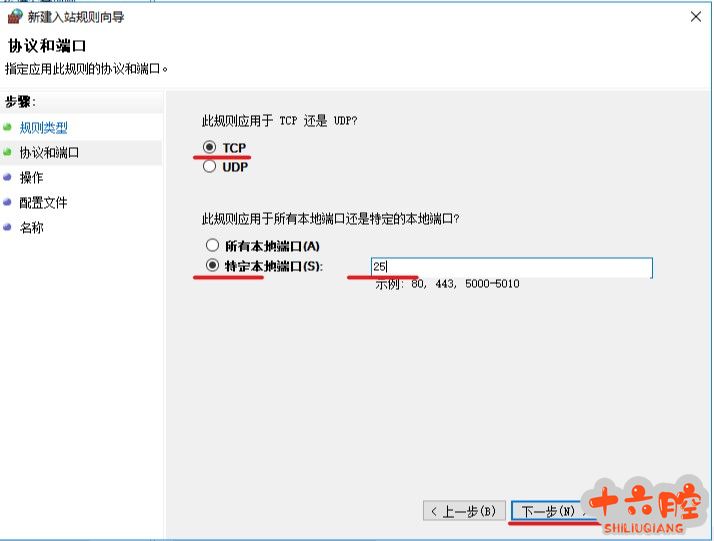
7. Add TCP port 25 (the default SMTP port is set in the case, and the actual port at the customer's location is used as the reference);
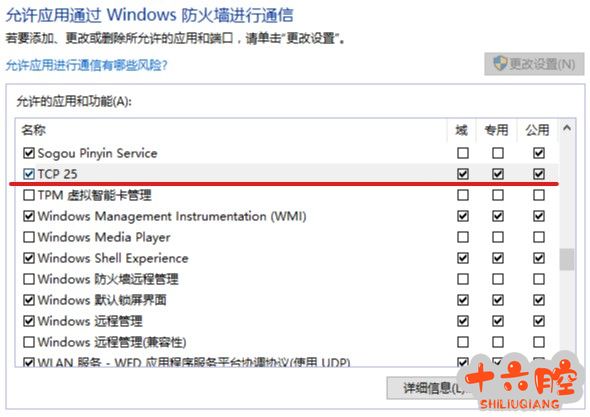
8. After the addition is completed, TCP 25 will be added to the "Windows Firewall's allowed applications" section;
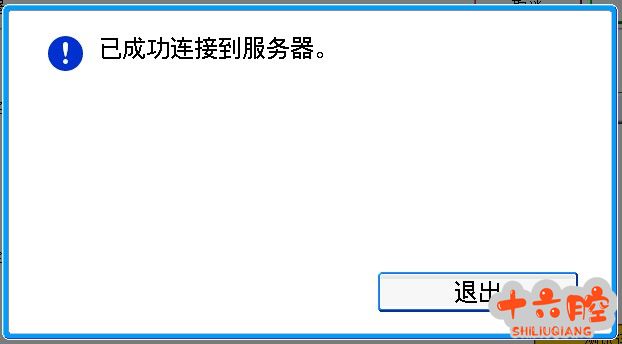
9. After the addition is complete, the SMTP connection test was successful again, and the scanning to email function of IMC2000 can also be used
Normal use. Solution Add TCP port 25 of the SMTP server to the firewall's allowed application list, and the SMTP server connection test has been restored to normal. The machine has scanned and found that the mailbox function is working properly. |
Address of this article:https://073868.com/post/266.html
Copyright Notice:
For relevant infringements, reports, complaints and suggestions, please send E-mail:weixiuwang68@qq.com






