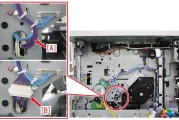
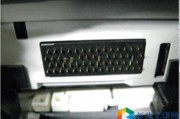
[Fault phenomenon] The main menu interface of the machine and the manual tray setting interface repeatedly switch automatically, causing the machine to not function properly. [Reason for malfunction] The sensor lever position of the paper in the manual tray is poor, causing repeated triggering of the manual tray setting interface ..
[Reason for malfunction] Poor red developer component. After replacing the red developer component with a new one, the fault was resolved. Repair case, Ricoh copier repair ..
[Fault phenomenon] The newly installed machine prompts error code E733. [Reason for malfunction] The connection between the DC control board and the main control board is damaged. [Maintenance measures] Replace the wiring between the new DC control board and the main control board. . .. Repair case ..
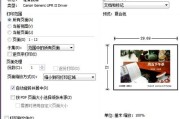
[Fault phenomenon] Printing PDF multi page documents with watermarks, the first one prints normally, but the printing speed is very slow from the second one onwards. [Reason for malfunction] Related to printing settings. [Maintenance Measures] 1) Create a new PDF multi page document and try printing it normally; ...
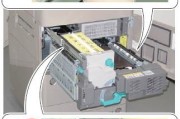
Reason When the fixing unit is pushed along the slide rail, you need to be extra careful, because your fingers may be caught by the lock of the track. Please follow the steps below to push in the fixing unit. • imageRUNNER ADVAN...
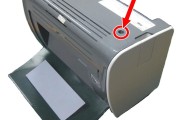
Product model: Model: LBP2900LBP2900+LBP3000 [Fault phenomenon] Abnormal noise may be detected during the paper rubbing process during printing. 【 Cause of malfunction 】 The fixing rods on both sides of the wheels of the conveying crossbar component are damaged ..
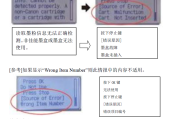
Product Model: imageRUNNER1435imageRUNNER1435IF Troubleshooting When you install the toner cartridge, the following message may appear on the machine. maintenance work when the above fault, prepare and replace...