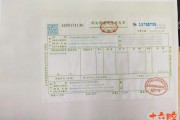
Fault description: M227 After scanning, the bottom ash is printed again, and the copy is normal. users use a special way, need to scan the invoice for pdf file, and then issued to print, print there is a clear bottom gray, as shown in figure to resolve the process: 1. open the scanning software...
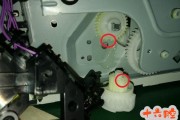
Fault description: The printer fails to come ready after power-on, and an abnormal noise is heard during startup. After running for a period of time, the display panel showed error 59.C0. Troubleshooting process: The user brought the printer in for repair, reporting that it could not print properly upon startup and was making unusual noises. power test found a...
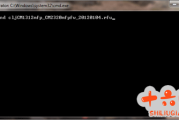
Laser printers involved: M132, M227, M180, M181, M280 and M281 series, all use the same platform scanning platform (Bamboo) problem description: M227 series, if you do not connect the tablet...