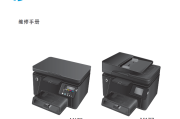
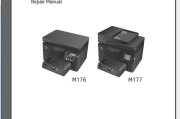
Suitable products: M1126/M128/M176/M177 series laser printer fault description: after the firmware upgrade program is running, it is indicated that the firmware cannot be connected to the printer, resulting in the firmware cannot be upgraded. USB mode and network mode are as follows...
Failure phenomenon: M177FW indicates that the printing part is very light, and the toner cartridge and photosensitive drum have been replaced. The power-on printing test found that the font on the right side of the paper is really light and regular from top to bottom, as shown in Figure 1 (Figure 1) Adjustment process:...
HP CP1025/M175/M176/M177 Abnormal Sound or Not Ready Trouble Phenomenon: Abnormal Sound at Start, Not Ready. troubleshooting process: recently met M176/M177 abnormal sound or not..., dimension...
M176n cannot start up without power on. After confirming that the power cord is charged and the power button is elastic, add a power board. After bringing the power board to the door, the user reported that the machine has automatically turned on again, but it cannot be turned off and the panel buttons have also malfunctioned. Therefore, the machine was disassembled and the control panel was unplugged ..
This manual is translated by a computer, and the results may not be very accurate, but most of them are still very accurate. It is easier to understand than the English version, with both pictures and text, and can solve some problems. Translation website: https://www.onlinedoc...
Language: English Format: PDF electronic version, unencrypted Pages: 158+170. The manual is detailed in content, with illustrations and text, making it a good helper for maintenance personnel. With the maintenance manual, you don't need to send it again for disassembly and troubleshooting of this machine ..