Replace the Lenovo CM7120W with a new conveyor belt and reset it quickly. Press the menu button+return button+left+right+OK+stop in order. When the screen displays English, it indicates that the machine has entered maintenance mode. Press the menu on the display interface ..
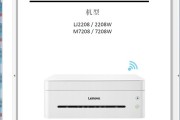
Professional solution to the problem of Lenovo printers not recognizing printers and unable to install drivers on Win8 and Win10 systems. This can enable your printer to support WinXP, Win7, and Win10 systems, as this printer is more compatible ..
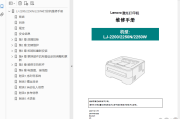
If there is a maintenance call in the Lenovo LJ-2202250N, 2250W Chinese maintenance manual, the four indicator lights will flash continuously to remind. After this situation occurs, press the Go key and then turn on/off the group according to the specific indicator light ..
Language: Chinese Number of pages: 174 Page size: 54MB Pre-Troubleshooting Checks Before beginning equipment repair, verify the following items: Operating environment (1) The equipment is placed on a level, stable surface. (2) equipment is placed in temperature...
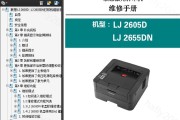
Language: Chinese Format: PDF electronic version, unencrypted Number of pages: 79 pages The manual is comprehensive and richly illustrated with both text and images, making it an excellent resource for maintenance personnel. With this repair manual, you no longer need to worry about disassembling this machine or troubleshooting its faults! Even if...
Language: Chinese Format: PDF electronic version, unencrypted Pages: 161 pages of maintenance manual+136 pages of instruction manual. The manual is detailed in content, with illustrations and text, making it a good helper for maintenance personnel. With the maintenance manual, this machine can be disassembled and troubleshoot ..
Language: Chinese Format: PDF electronic version, unencrypted Pages: 227. The manual is detailed in content, with illustrations and text, making it a good helper for maintenance personnel. With the maintenance manual, you no longer have to worry about disassembling and troubleshooting this machine! Even though ..
Chapter 1: Component Names and Functions includes appearance, component names, and component functions. At the same time, it also provides information on various buttons on the control panel, which helps maintenance personnel to correctly inspect and adjust the operation of the machine. Chapter 2 Specifications ..