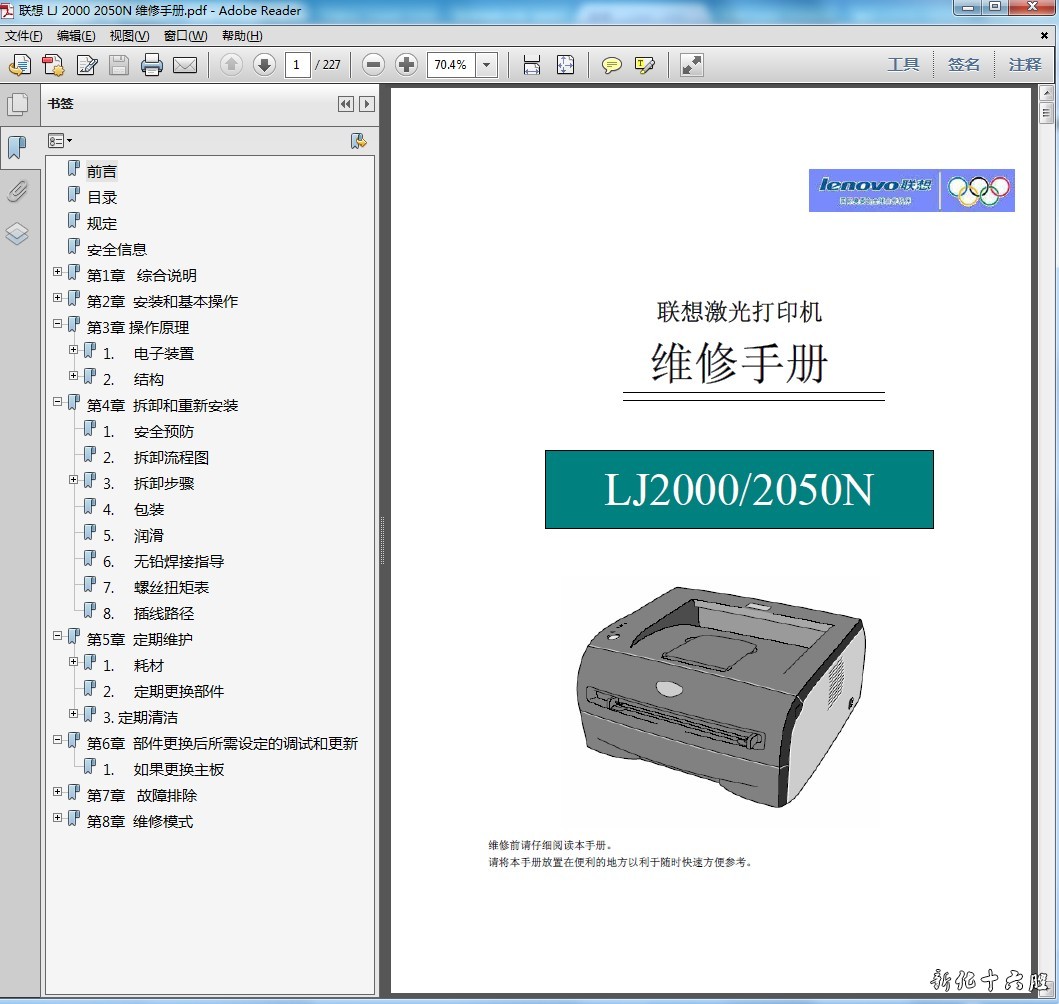
Lenovo LJ2000 2050N Laser Printer Chinese Maintenance Manual Maintenance Materials
Visitor2620
Language: ChineseFormat:PDFElectronic, no encryptionPage count: 227The manual is detailed and illustrated. It is a good helper for maintenance personnel. With the maintenance manual, you don't have to worry about the disassembly and troubleshooting of this machine.!Even ordinary users can solve simple faults according to the maintenance manual.
Install a printerTo use printing paper, you need to perform hardware settings and install drivers.Firstly, identify the operating system of your computer. (Windows ® 95/98/Me, Windows NT ® 4.0, Windows ® 2000/XPThen, purchase the appropriate interface cable for your computer (such as Macintosh). Most existing parallel cables support bidirectional communication,But some may have incompatible configuration pins or not comply with IEEE 1284.The CD-ROM provides hardware settings and driver installation programs.3.1 All usersWindows Users(1) Turn on the PC power Insert the random disc into the disc drive. The installation program window will automatically appear. Select the type of printerNumber and language.Note:If there is no screen display, please click on Start and select Run. Then enter the characters of the CD drive and type them in\START.EXE (e.g. D: \ START. EXE).(2) Click on the initial settings icon on the menu screen.(3) You can read the initial setup instructions.Mac OS 10.2.4 or higher users(1) Turn on the Macintosh power. Insert a random disc into the optical drive.(2) Double click the HL2000 icon on the desktop. Double click the Start Here OSX icon. Follow the on-screen instructionsmake, do, create, compose, write, etc.(3) Click on the initial settings icon on the menu screen.(4) You can read the initial setup instructions.
Link: https://pan.baidu.com/s/1GbNm6VK2Car0LpZHGi7_FQ
Extraction code: qr7d