
|
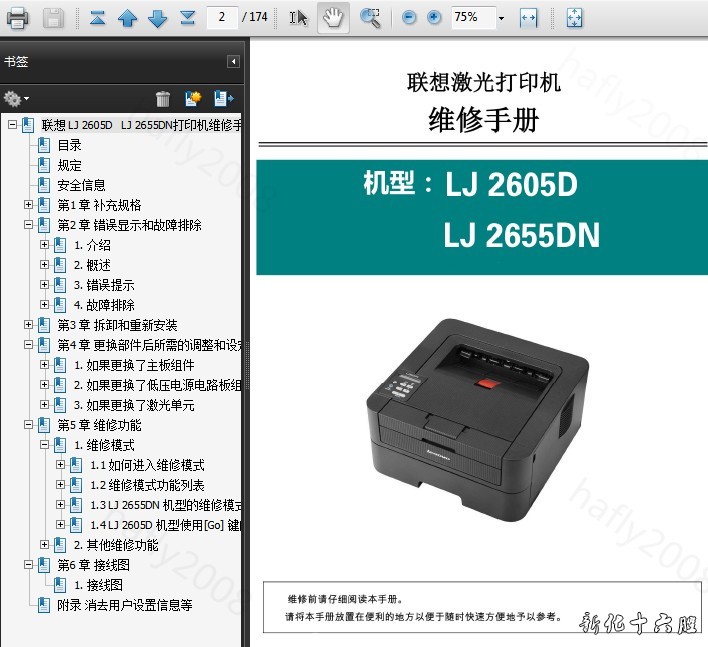
Language: ChineseNumber of pages: 174 pagesCapacity: 54M
Check before troubleshootingBefore you begin to repair the equipment, identify the following items:Operating Environment(1) The equipment is placed on a flat and firm surface.(2) The equipment is placed in a clean environment with a temperature between 10°C and 32.5°C and a relative humidity between 20% and 80%.(3) The equipment is not placed in a place exposed to direct sunlight, high heat, humidity or dust.(4) Please keep the equipment level when handling the equipment. Always carry or lift the equipment by more than two persons.Power supply(1) The power supply indicated on the equipment label is supplied to the equipment, and the fluctuation of the power supply voltage is kept at the rated voltage indicated on the label.Within ± 10%.(2) The AC input power is within the specified value.(3) The connection of cable and patch cord is correct.(4) The fuse is not burned.Paper(1) The paper type used is the recommended recording paper.(2) The paper is not damp.(3) Short filament flow or acidic paper is not used.Consumables(1) The drum unit (including the toner cartridge) is installed correctly.Other(1) CondensationWhen the equipment is moved from a cold place to a warm room, condensation may occur inside the equipment, which can cause the following problems:
Link: https://pan.baidu.com/s/19XbSqjkgKQAVxE_RQ_9iIg Extraction Code: hqwm |
Address of this article:https://073868.com/post/3981.html
Copyright Notice:
For relevant infringements, reports, complaints and suggestions, please send E-mail:weixiuwang68@qq.com







