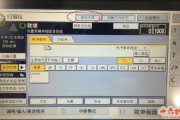
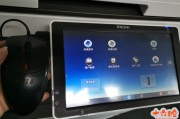
SOP screen touch panel calibration step 1, enter SOP screen maintenance mode a press and hold the third white physical button on the left while pressing the status confirmation key in the lower left corner of the screen B after the numeric keypad appears on the screen, press Reset → 8 → 0 →...
In the Symptom SOP Android operation interface, you cannot select the scan to save to HDD in the scan interface. The function of analyzing and scanning and saving to hard disk is set up and used in the scanning interface (see figure) in the traditional operation interface (non-SOP), while in SOP operation...
Ricoh's new copier uses the Android system, such as the black and white machine of Ricoh MP7503, which has an Android operating panel. The touch screen has shifted and the calibration is different from the previous old machine, which had a 1993 five press stop button ..