
|
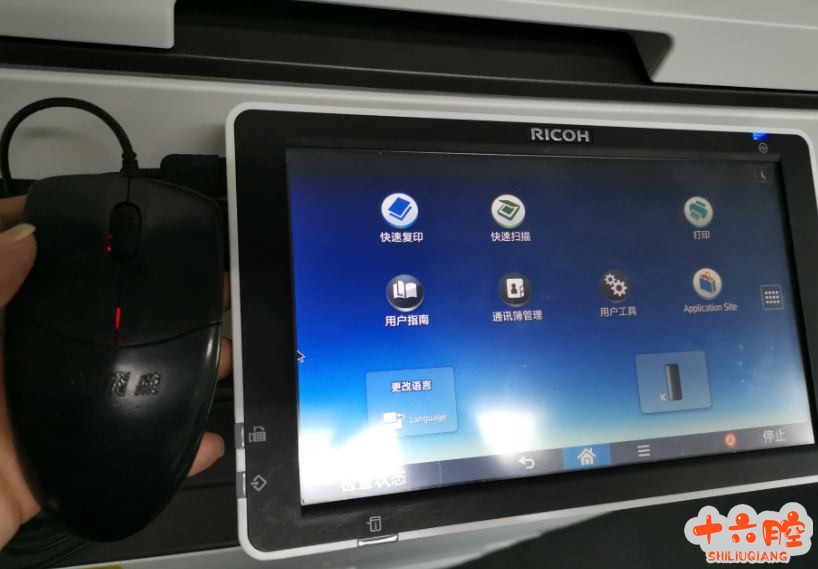
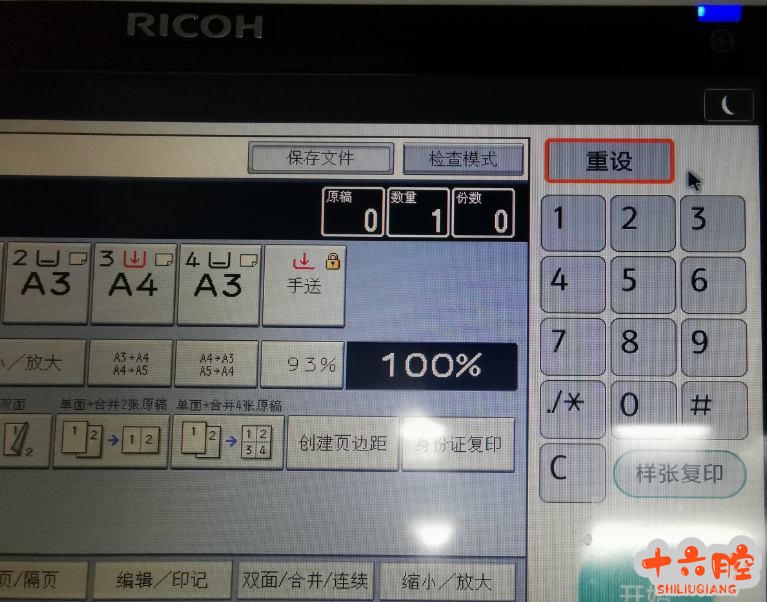
Ricoh's new copier uses the Android system, such as the black and white machine of Ricoh MP7503, which has an Android operating panel. The touch screen has shifted and the calibration is different from the previous old machine, which had a 1993 five press stop button. The new model has significant differences, and the methods are as follows: SOP screen touch screen click shift, calibration (requires mouse), bring your own mouse Method: 1. Need to enter screen service mode but cannot press the center button due to offset: Reset -8-0-6-1-8-2- # - # - C, any of the buttons. 2. Use a USB mouse to insert into the screen USB port and click: Reset -8-0-6-1-8-2- # - # - C to enter screen service mode
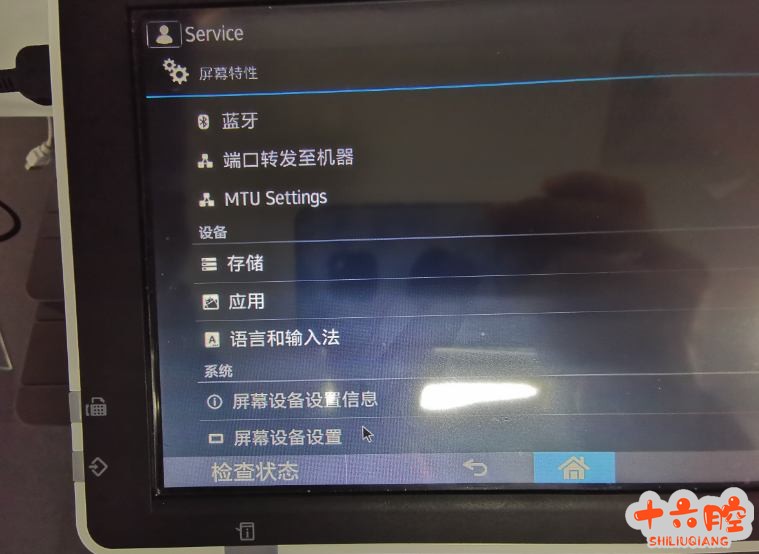
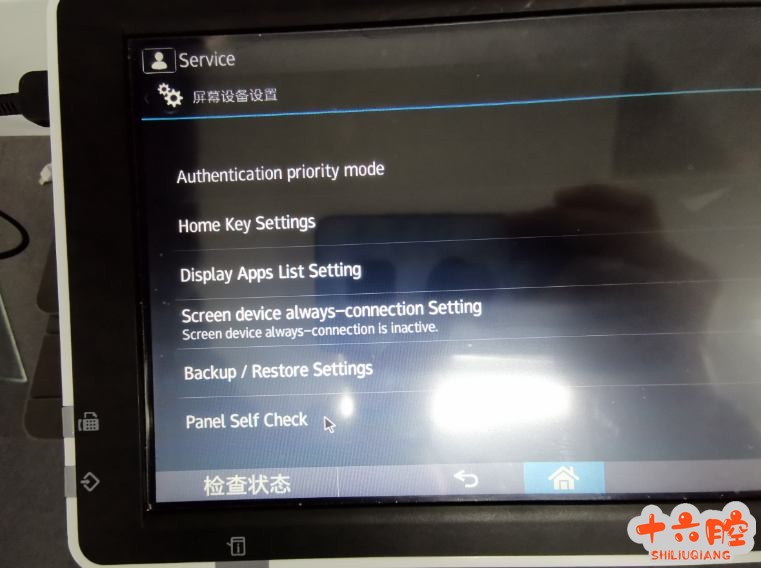
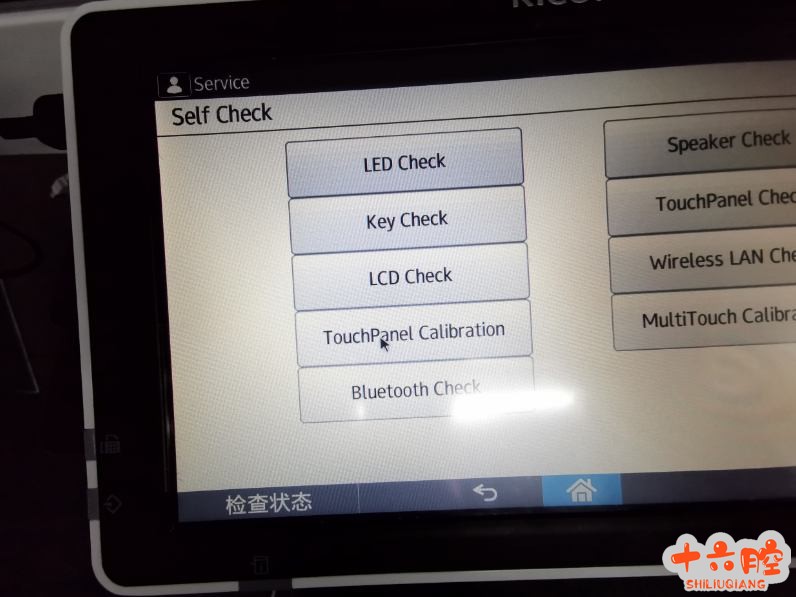
3. Select Screen Device Settings - Panel Self Sheck in Screen Features
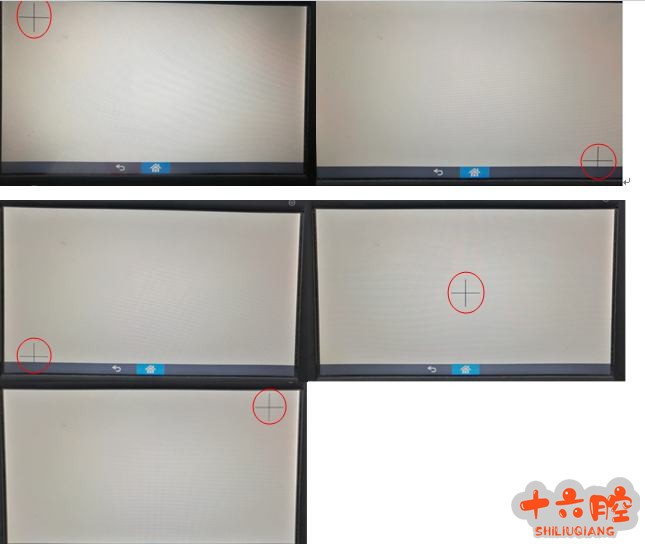
4. Select TouchPanel Calibration, and then click on the fine cross in sequence to make adjustments
|
Address of this article:https://073868.com/post/5733.html
Copyright Notice:
For relevant infringements, reports, complaints and suggestions, please send E-mail:weixiuwang68@qq.com
Tags: #touch screen #Calibration #Android #Ricoh







