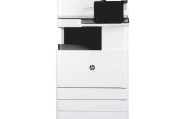
Remove the transport fixing screws of the scanner's scanning head, remove all the packaging materials and protective tape of the host, remove the seal of the powder bin, remove all the protective materials of the photosensitive drum assembly, install the photosensitive drum assembly, turn on the power supply (there are two power switches: main power supply.....
HP A3 series black and white model maintenance menu video operation, suitable for experienced operators, novice is not easy to understand * * * * this content is hidden by the author * * * *, Ricoh maintenance video, Ricoh copier maintenance...
The solution to the shallow printing part of HP E72525_E72530_E72535 is shown in the following figure. The font parallel to the paper feeding direction and located at the edge position is relatively shallow, which is caused by the fracture of the buckle fixed at both ends of the transfer roller. Replace the transfer assembly...