
|
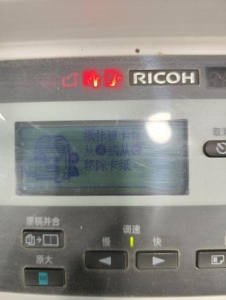
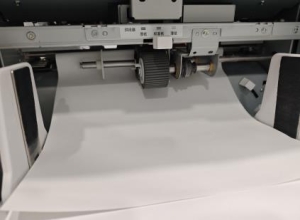
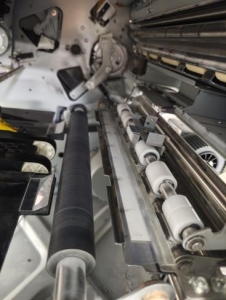
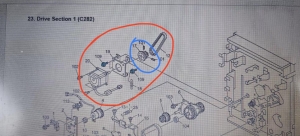
Symptoms: During the use of DD3344, paper jam occurred in the feeding section (A, C), as shown in the specific locations (Figure 1, Figure 2, Figure 3)
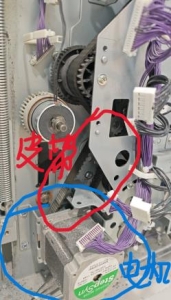
Maintenance process: 1. The tip of the paper has not reached the pressure roller, so the possibility of poor compression should be ruled out first, and the focus of inspection should be on the paper supply and alignment parts; 2. Replace the paper roller, but the fault persists; 3. Clean the alignment sensor, but the fault persists; 4. After removing the printing cylinder, clean the three sensors on the back of the machine (the "paper supply start timing sensor" in the lower right corner) and exchange them for testing. The fault still persists; 5. Replace the rear paper supply clutch, but the fault persists; 6. Upon checking the layout of the alignment mechanism drive, it was found that there was displacement in the timing belt, which should be caused by loose belt drive wheels. Disassemble the alignment motor and tighten the hex screws before reinstalling - troubleshooting.
Repair results: Tighten the alignment drive gear Summary: The alignment mechanism of the machine is driven by a separate alignment motor, and the belt driven gear on the motor output shaft is fixed to the motor shaft by 2 hexagon socket screws. The loosening of the gear caused a delay in paper supply at the alignment point and resulted in paper jam. |
Address of this article:https://073868.com/post/5499.html
Copyright Notice:
For relevant infringements, reports, complaints and suggestions, please send E-mail:weixiuwang68@qq.com
Tags: #Positioning #drive gear #Paper jam #DD3344C #3344C






