
|
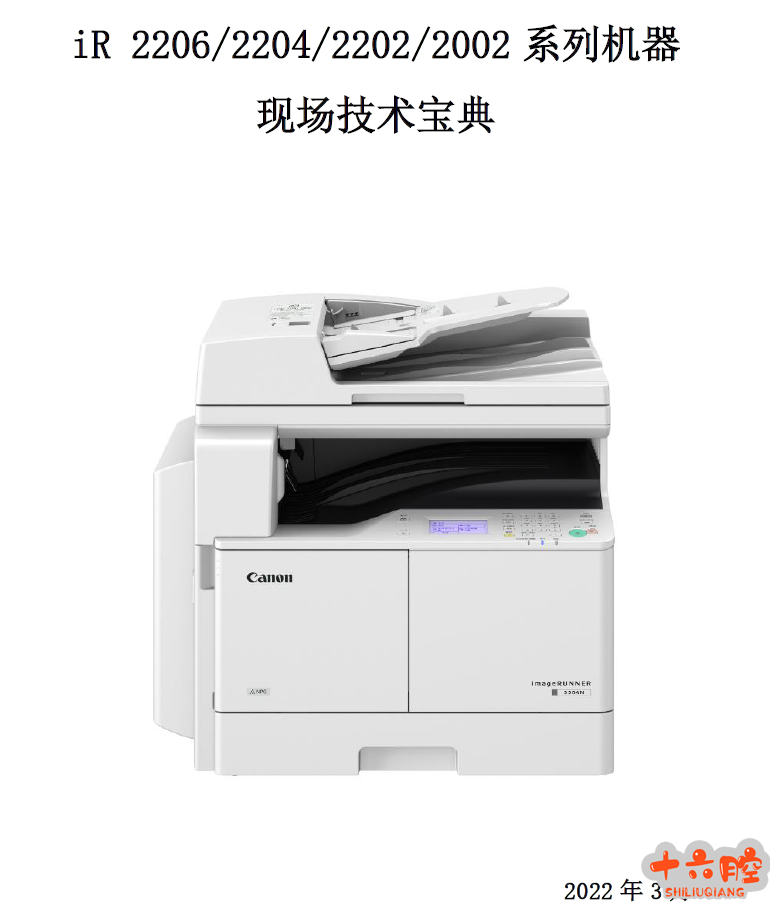
Canon iR 2206,2206,2204,2202,2002 Series Machine Field Technical Treasure Book Maintenance Cases
1 Image failure 1-1. Sub-scan direction copy output image black bar (printout image normal) 1-2. Black bands appear in the sub-scan direction when copying with automatic document feeder (DADF) 1-3 The text in the middle of the output image has edge scattering. 2 related paper jam fault solutions 2-1. Output Paper Curl in Wet Environment 2-2 Double-sided cardboard (010C cardboard) 2-3 First paper box to pick up paper jam (0104 paper jam) 3 Fault code 3-1. E000-0000/E001-0000/E001-0001/E002-0000/E003-0000/E003-0001/E004- 0000 fault code 3-2. E202-0001/0002 Fault Code Occurrence 3-3 E225-0001 Fault Code 3-4.E110-0000 Fault Code 3-5.E010-0000 Fault Code 4 Send/Scan Failure 4-1. When Toolbox scans the invoice, the image scanned in black and white mode is not clear or all white. 5 Print Settings 21 5-1. Configure Host IP Address 5-2. Install the printer driver 6 Host operation 6-1. Enter maintenance mode 6-2. Upgrade Host Firmware 6-3. Print Report: CNTR (Counter Report)/ERR-LOG (Paper jam & warning report)/SPEC Report 6-4. Cleaning the original reading section 7 Other field failures (FAQ) 7-1. Operation panel fault 7-2. Output image ghosting (fixing sticky powder) 7-3. Worn fixing shaft sleeve 8 Contents of adjustment after replacement of parts 8-1. Adjustment when replacing CIS (Contact Sensor) 8-2. Adjustment of Reader (ADF) Upper Unit after Replacement 8-3. Main controller board (main control board) 8-4. Adjustment after replacement of operation panel 9 User operation adjustment 9-1 When single-sided output, the paper is output after the duplex is turned over. 1. Image failure Preparation before maintenance: Before troubleshooting, please maintain and clean the original reading part of the machine to avoid the effect of dirt on the original reading part. -Clean the original reading section: Reference: 6. the contents of the clean original reading section of the operating section of the main machine; After the maintenance of the scanning part of the host is completed, please check and confirm the developing part of the host (normal), laser (no dirt) and fixing part (no adhesive toner on the surface of the fixing heater). If any abnormality is found, please troubleshoot first. Link: https://pan.baidu.com/s/1qepopemPoI6ElgP_8ODM8g [kkpay = 5] Extract code: xgpp[/kkpay] |
Address of this article:https://073868.com/post/4919.html
Copyright Notice:
For relevant infringements, reports, complaints and suggestions, please send E-mail:weixiuwang68@qq.com







