
|
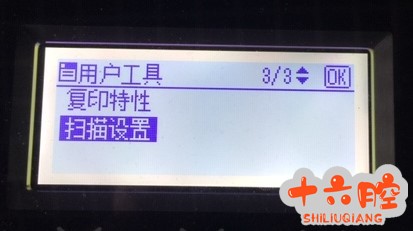
Symptoms M2701, 27002702 When setting up double-sided scanning to a shared folder on the machine, the ARDF feeder can only perform single-sided scanning without double-sided flipping action. Cause analysis 1. Operation on the machine: User Tools - Scan Settings - Original Manuscript - Double sided, Encoding. Scan to shared folder, only single page scanning action. Test scanning files to USB device, ARDF double-sided scanning action is normal.
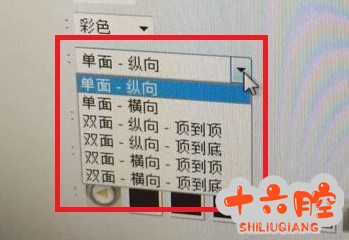
The dual sided function of scanning to shared folders can only be accessed through the web, and can be adjusted in the user interface of registering the scanning destination (folder) (scanning settings option: original manuscript - double-sided). When setting up the web, the machine administrator password needs to be entered. Note: The double-sided function set for scanning on the machine is only effective for scanning to USB devices. |
Address of this article:https://073868.com/post/3173.html
Copyright Notice:
For relevant infringements, reports, complaints and suggestions, please send E-mail:weixiuwang68@qq.com







