
|
DD5441/5451/5441Hc/5451Hc 1. Function Adjust touch panel and inspection panel operations
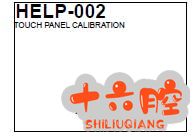
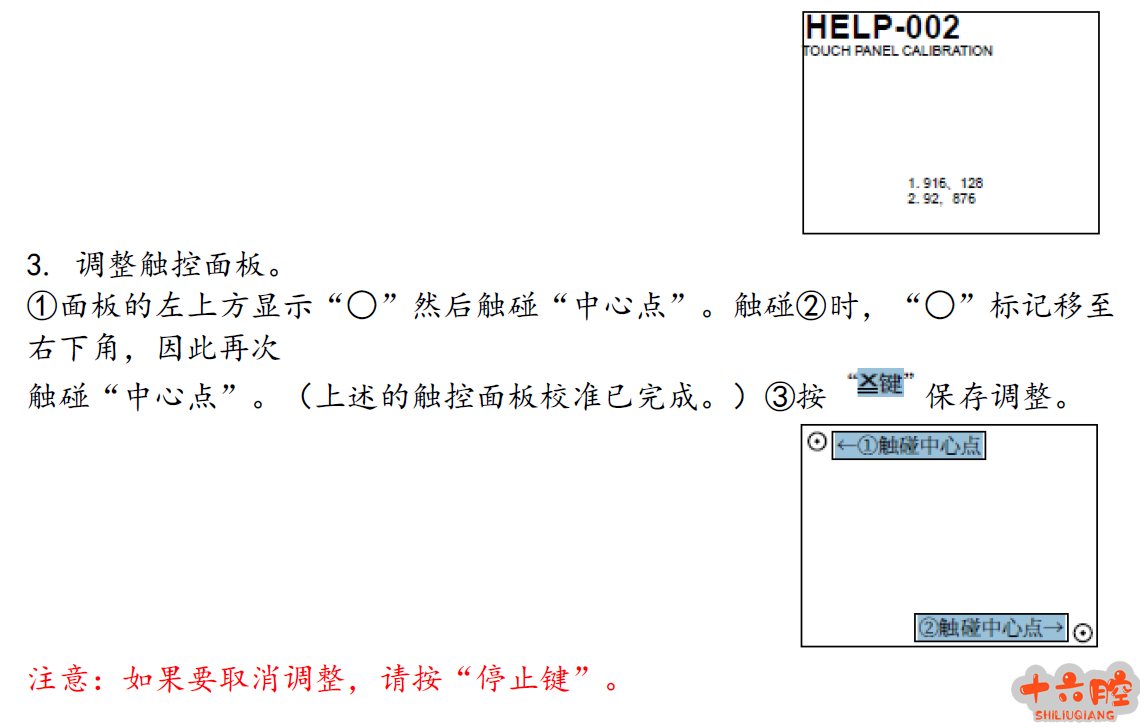
2. Operation steps 1. Use the "number key" to enter "002", and then press the "print key". 2. Select Check/Adjust Touch Panel. Adjustment: Press the 'plate making key'. Please proceed to step 3, check: Press the 'Home' button. Please proceed to step 4
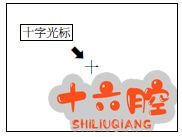
4. Check the adjustment of the touch panel. (1) When pressing the 'home button' in step 2, a 'crosshair' will be displayed on the screen. (2) Check if the 'crosshair' follows the movement of the stylus.
5. Press the 'stop button'. Return to the 'Help Mode Number Selection Screen'
|

Address of this article:https://073868.com/post/264.html
Copyright Notice:
For relevant infringements, reports, complaints and suggestions, please send E-mail:weixiuwang68@qq.com







