
|
Symptoms: Startup Report SC350-00 Analysis: The manual states that SC350-00 ID sensor (S6) error (detailed) is only for factory use. During ID sensor detection, one of the following situations occurs (only when SP5-995-001 is set to "1").
Use SP2220 to view the output of ID Vsp=3.94; Vsg =3.98V, It is determined that the sample block was not detected during ID detection, and Vsg=3.98V is close to the normal value of 4.0V. Therefore, it is judged that there is no problem with the ID sensor. Possible reasons:
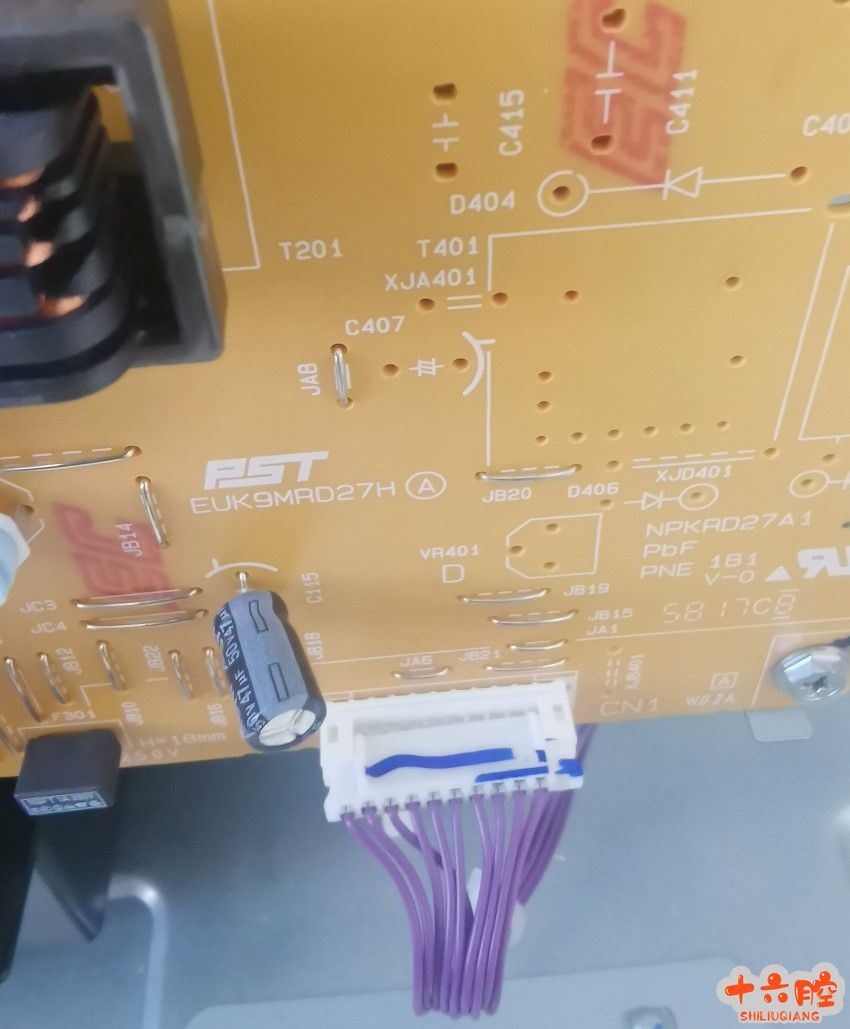
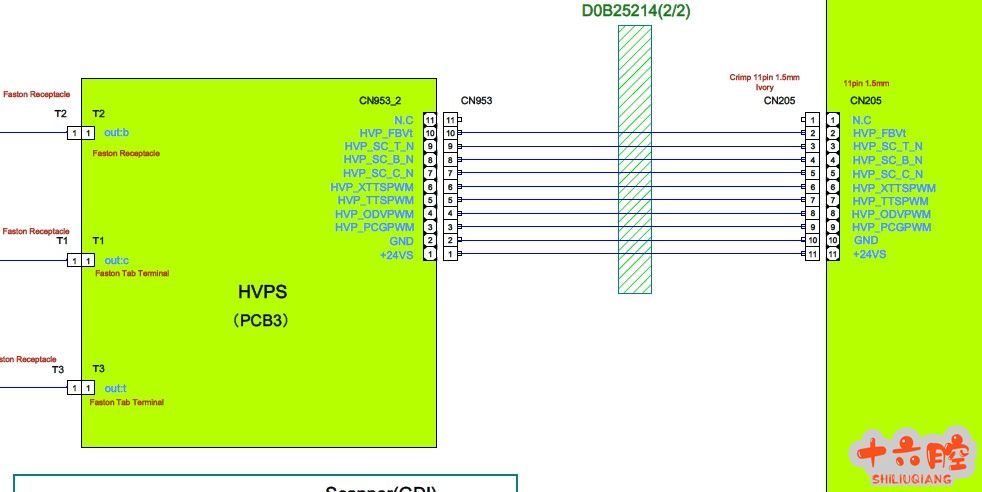
Measures: 1. Correctly plug in the CN953 plug 2. Execute 2-935-001 to initialize the ID sensor and re measure the initial values of Vsg and Vsp. Vsg=4.0 and Vsp=0.4 are the ideal values for this model. Solution: Reprocess the cable plug and initialize the ID sensor. Note: If the high-voltage board does not output, the printed product will have no image (white paper). SC350-00 will only be generated when a certain print run is reached, ID is used for sample block detection, Vtref adjustment is involved, and other parameter adjustments are made |
Address of this article:https://073868.com/post/1118.html
Copyright Notice:
For relevant infringements, reports, complaints and suggestions, please send E-mail:weixiuwang68@qq.com
Tags: #SC350 #2701 #2702 #ID sensor #Bad laser unit






