
|
When a MPC6502SP machine is turned on, it keeps prompting that the fixer is not installed correctly, and the problem still occurs when it is turned off and restarted. Reason Incorrect definition: It may be due to the drawer connector being disconnected.
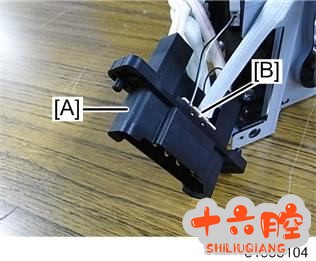
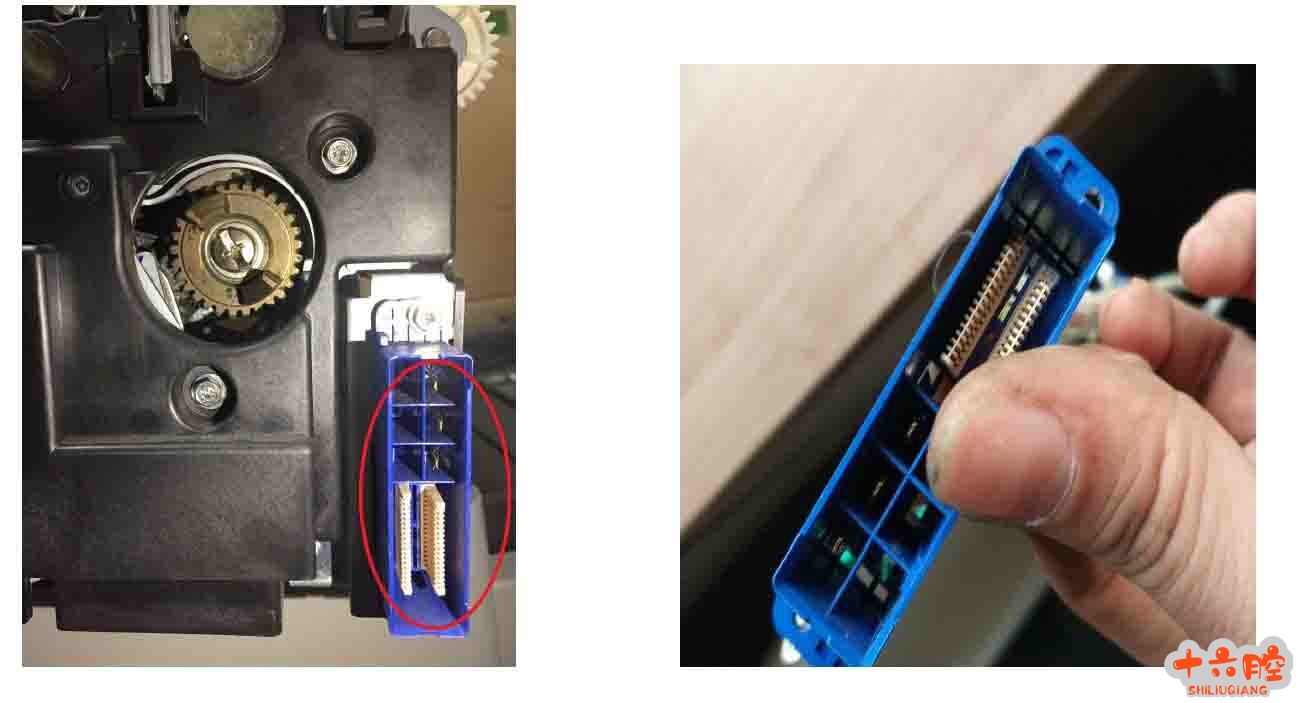
Maintenance process Check the settings of the interlock switch and ensure that the drawer connectors are functioning properly. Check for residual paper at the large plug position on the right side of the fixing unit. After removing it and pushing it back into the large drawer, the machine still displays an incorrect fixing installation. Disassembling the fixing unit and inspecting the fixing plug, it was found that the plug core inside the plug was deformed. After on-site adjustment and restoration of the plug core, the machine displayed normally. (See the red circle marked in the figure below for details)
Note: Due to the long paper path of this machine, when a paper jam occurs, it is difficult to detect the paper on the double-sided flip door. After the user pulls out the drawer unit, some paper residue blocks the position of the large plug on the right side of the fixing unit. After the customer pulls out the drawer multiple times, it is highly likely to cause damage to the plug. When guiding the user, the engineer needs to focus on explaining to the customer the integrity of the paper removal and the key points for removing the paper jam. |
Address of this article:https://073868.com/post/5739.html
Copyright Notice:
For relevant infringements, reports, complaints and suggestions, please send E-mail:weixiuwang68@qq.com






