
|
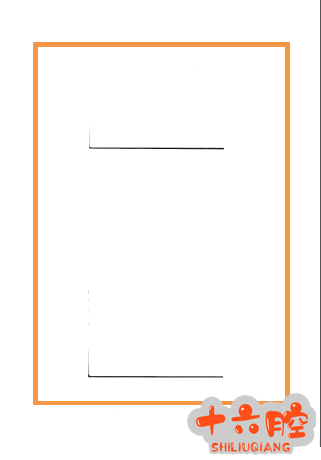
Ricoh SP330SFN ID card copy blank with no content
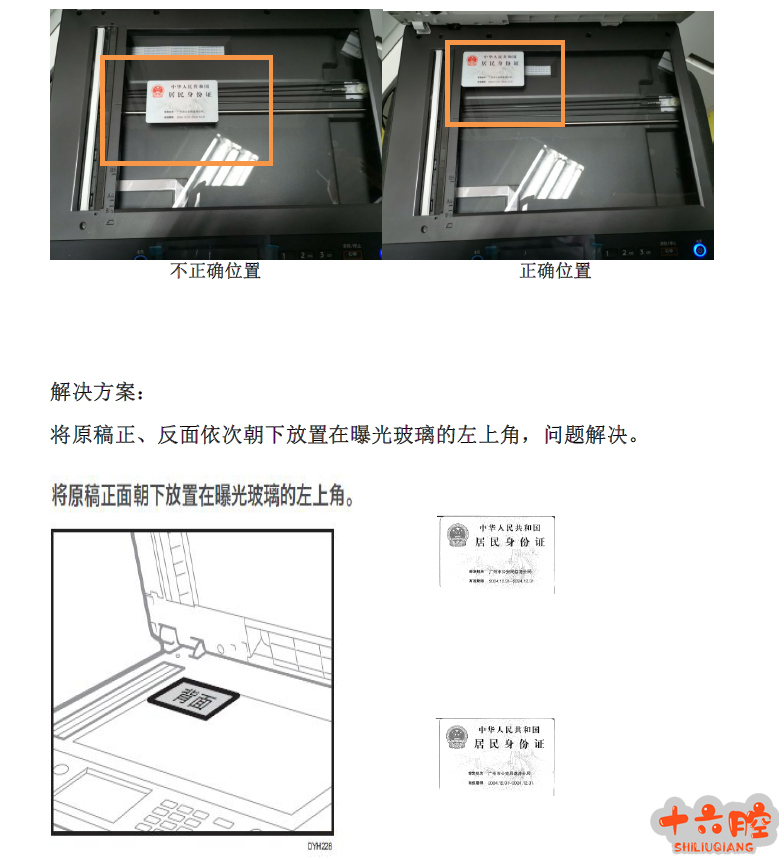
Reason 1. Scan for issues; 2. Machine configuration issues; 3. Usage issues. Measures 1. Check that other copying functions are functioning properly, proving that there are no issues with scanning; 2. Check the machine settings and no abnormalities were found, 3. Finally, understanding the customer's usage, it was found that when using this function, the customer places the document at the center of the A5 size of the drafting table for copying. After checking the user manual, it was found that this function requires the document to be placed in the top left corner in both directions for copying.
|
Address of this article:https://073868.com/post/5694.html
Copyright Notice:
For relevant infringements, reports, complaints and suggestions, please send E-mail:weixiuwang68@qq.com






