
|
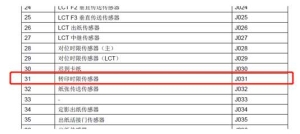
Symptom: Pro 8110 printing file has paper jam J-031 Reason: According to the maintenance manual, the problem is an error in the transfer time limit. Focus on checking the transfer time limit sensor and the previous part.
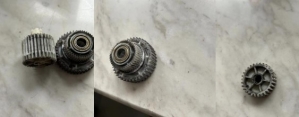
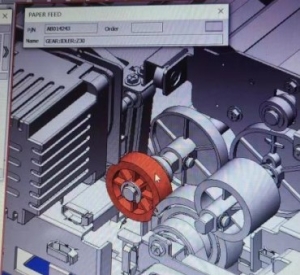
Solution: 1. After inspection, the transfer time limit sensor is normal. 2. Carefully clean the paper path and no paper scraps were found to block it. 3. When checking the drive gear of the alignment rod, it was found that one gear was severely worn and the other two were slightly worn
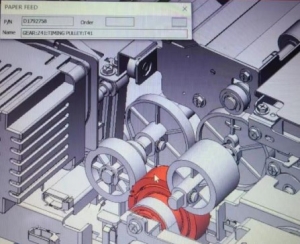
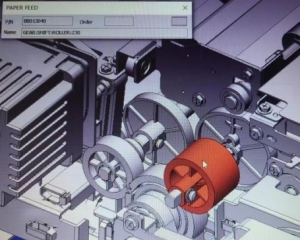
4. I replaced the severely worn gear in the first picture for the first time and found that J-031 still appeared. 5. Upon careful observation, it was found that although the other two gears were not severely worn out and replaced, there was still wear, resulting in an increase in the gap between each tooth. This led to time limit errors during paper feeding, causing the paper to arrive at the transfer time sensor later, resulting in J-031. 6. After replacing the other two gears, the machine returned to normal. The part number is shown in the following figure
Note: When replacing the three gears at this position, the other two gears should also be replaced together |
Address of this article:https://073868.com/post/5567.html
Copyright Notice:
For relevant infringements, reports, complaints and suggestions, please send E-mail:weixiuwang68@qq.com
Tags: #J031 #8300 #8200 #8110 #Alignment stick drive







