
|
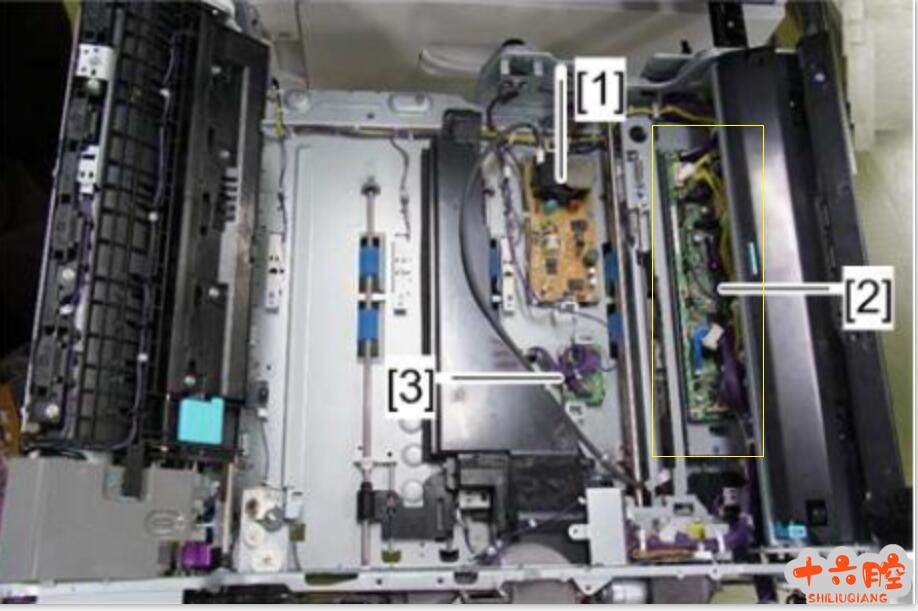
Ricoh MPC8002 machine boot display 001 paper jam, switch on and off twice after the machine display fault code SC514 Maintenance process1. Check the paper path of the machine, no paper jams found, no abnormalities;2. Replace the paper path unit, but the fault persists;3. Check the drawer unit DUB of the machine and find that the DUB plug is loose. After unplugging the * * head again, the machine can be turned on normally;As shown in component 2 of the diagram:
|
Address of this article:https://073868.com/post/5447.html
Copyright Notice:
For relevant infringements, reports, complaints and suggestions, please send E-mail:weixiuwang68@qq.com







