
|
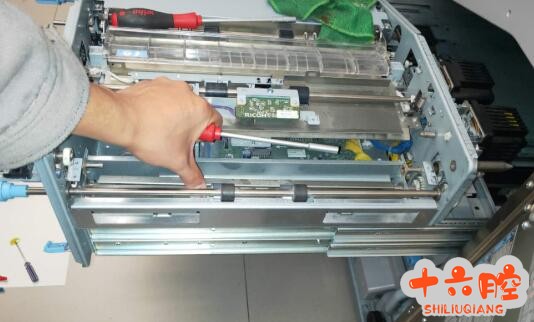
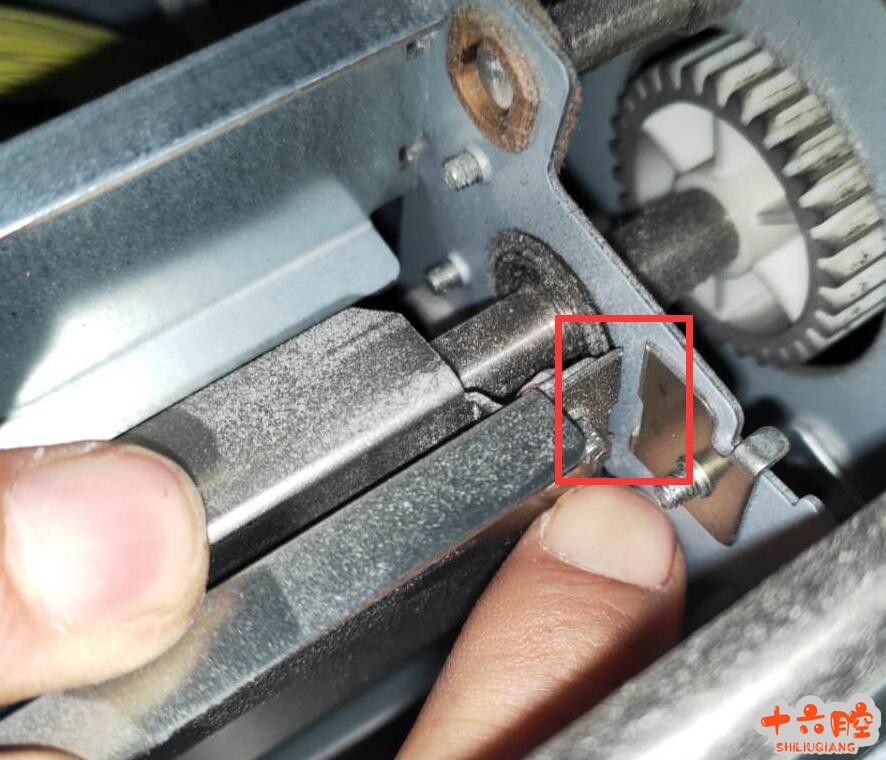
1. Occasionally, photocopiers may have corners when printing documents, which are all external corners. Check the paper path to see if any foreign objects have fallen on it, causing the paper to run smoothly. No foreign objects were found during the inspection. 2. Check every step of the paper path again to see if the paper path guide is deformed or if there are any fractures. 3. Finally, it was found that the paper path guide plate was broken at the location shown in the figure. The guide plate was removed and re glued with AB adhesive for several layers. The guide plate was installed and fixed, and thousands of sheets were tested without any fault, completely solving the problem of corner bending.
|
Address of this article:https://073868.com/post/5410.html
Copyright Notice:
For relevant infringements, reports, complaints and suggestions, please send E-mail:weixiuwang68@qq.com
Tags: #At the corner #8110 #8120 #8100






