
|
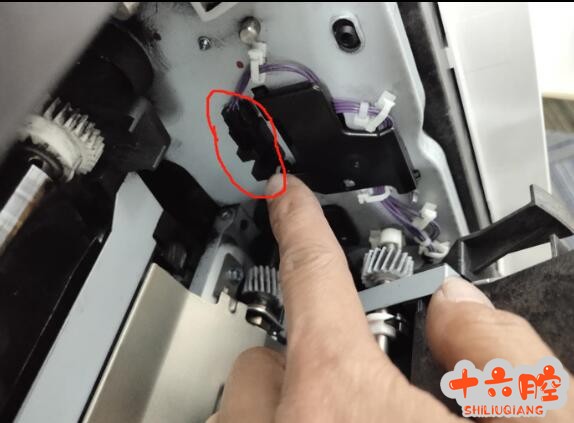
Symptom: The machine is stuck, and even after removing the paper, the machine still reports a paper jam Measure: Open the lid and check that there are no paper scraps in other parts of the machine. Test that the input and output of all sensors in the paper path are normal. After backing up 5824, the machine performed a full clean 5801 and returned to normal. Then intentionally stuck another piece of paper, and even after removing it, the machine still reported a paper jam in zone C. Then, the door switch was checked for normal operation, and the secondary transfer switch sensor in zone B was tested. Discovered that this sensor has been in a closed state. Solution: After replacing the sensor of the secondary transfer switch, the fault was resolved
|
Address of this article:https://073868.com/post/5401.html
Copyright Notice:
For relevant infringements, reports, complaints and suggestions, please send E-mail:weixiuwang68@qq.com







