
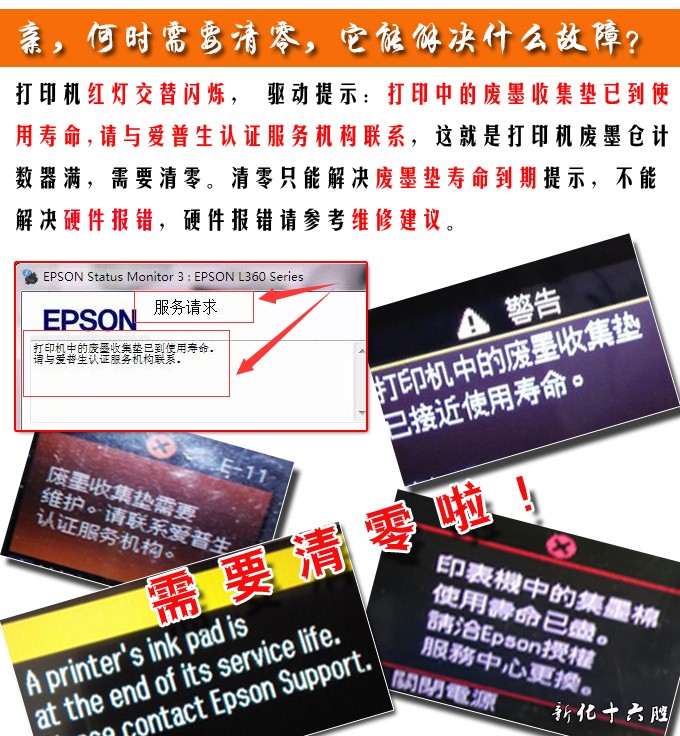
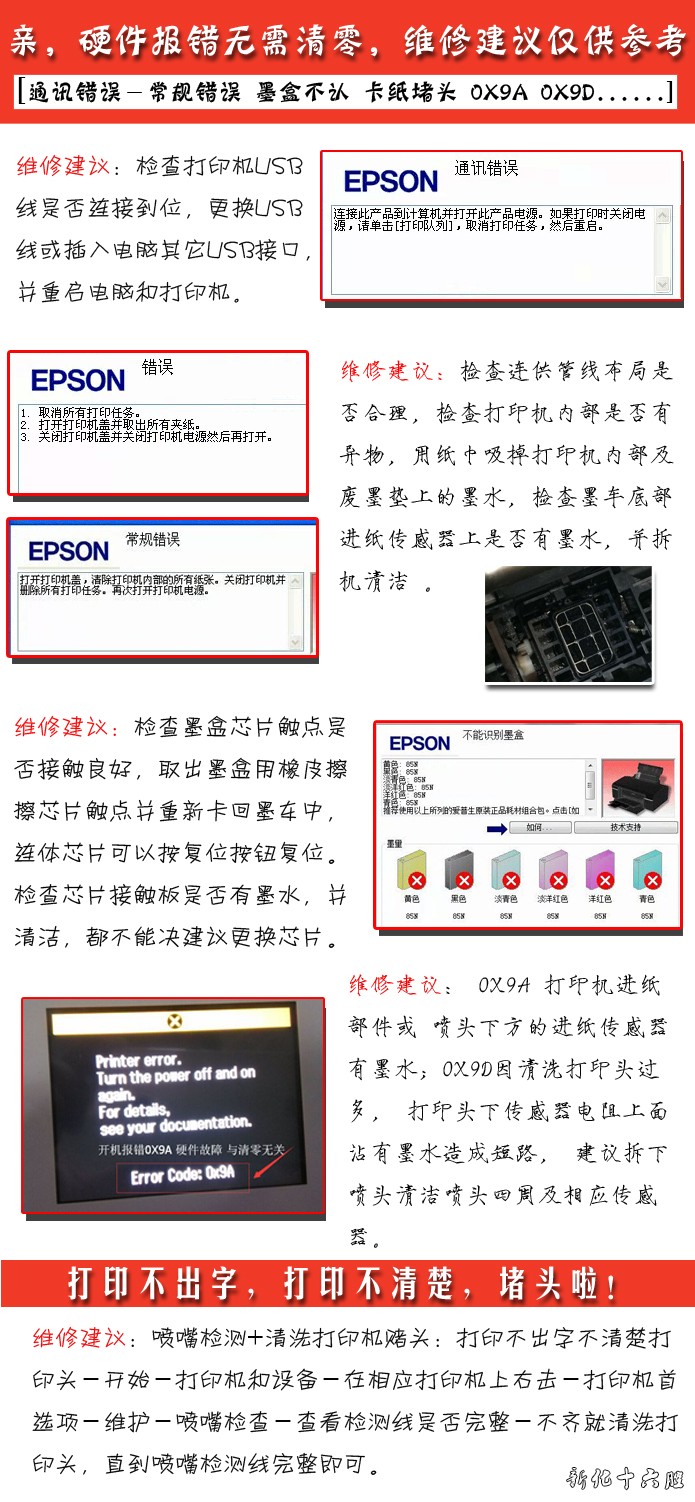
The inkjet printer has red lights flashing alternately, and the driver prompts: the printer's waste ink collection pad has reached the end of its service life. Please contact the Epson certification service agency. This means that the printer's waste ink bin counter is full and needs to be reset. Zeroing can only solve the prompt of expiration of the lifespan of the waste ink pad, but cannot solve the error. Please refer to the repair suggestions for hardware errors. One download for permanent use
|
Address of this article:https://073868.com/post/3718.html
Copyright Notice:
For relevant infringements, reports, complaints and suggestions, please send E-mail:weixiuwang68@qq.com
Tags: #R1390 #Epson #Zeroing software







