
|
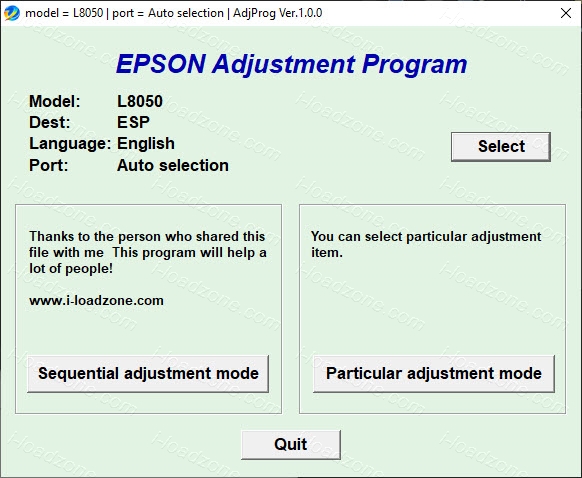
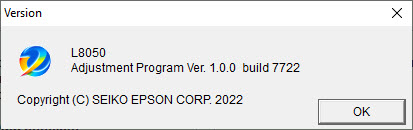
Download Epson L8050 L18050 L18058 L8058 Adjustment Program (ESP) 100% Effective Epson L8050 L18050 L18058 L8058 (ESP) -This lovePusson L8050 L18050 L18058 L8058 Ink Liner Cleaning ProcedureCan clean 100 percent of Epson L8050 printers.The printer sued for full ink lining. The printer flashes alternately. The printer is not working.You can download the Ink Cleaner. This can be used.Just plug the USB cable of the printer into your computer or laptop, and you can use this Epson ink pad program by 100 percent. Open the program. Select the printer model, and then selectPort USBxxxx(Lxxx)(* Do not select port AUTO*), and then selectSpecific..... >Waste ink station> Partial. Select"Main Pad Counter"Or some models may have more than one to choose from, and then press"initrial.....”. Turn off the printer and then turn it back on. If a green light is displayed, it is cleared. If not, uninstall the printer driver first. Turn off the machine, turn it back on, and then try again. This ink removal procedure will definitely help solve the problem of ink filling. You can download it for free and use it without overhauling it to the center, unless the ink suction cartridge is actually full, it will waste your precious time. This also need to buy a suction cartridge to change. Suitable for the following models:
|
Address of this article:https://073868.com/post/5870.html
Copyright Notice:
For relevant infringements, reports, complaints and suggestions, please send E-mail:weixiuwang68@qq.com
Tags: #L8050 #L18050 #L18058 #L8058 #Zeroing software






