
|
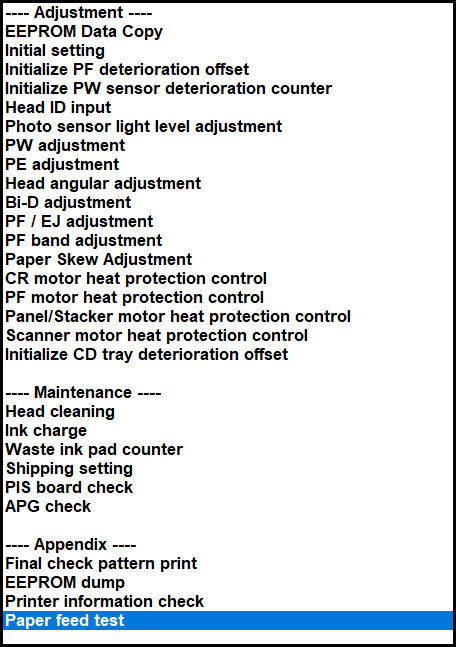
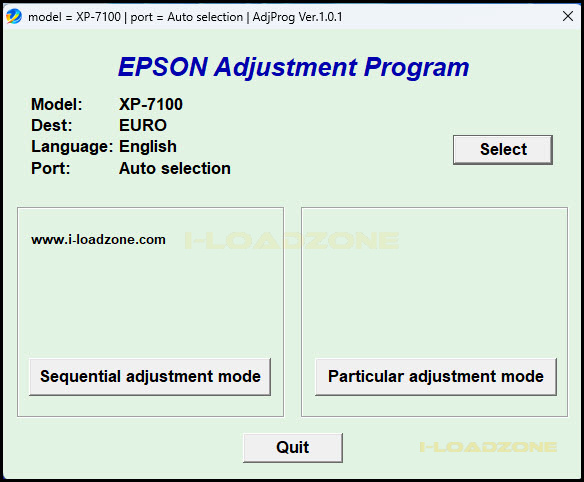
Epson XP-7100 Ink CleaningDevice is a program that can clear the amount of ink already printed on the waste ink pad. Epson Ink Liner Clearer is a program used to reset the ink level countdown timer on Epson printers. When the countdown value reaches a certain level. The printer will prompt you to replace the new ink liner, which can be solved by using this ink cleaner to reset the ink liner value to 0. The Epson Ink Liner Clearing program will allow the user to reset the countdown value for the pad. This allows the printer to continue to be used without replacing the ink absorbing pad. The Epson liner cleaning program is commonly referred to as the "Epson Adjustment Program" or "Epson Reset". Features of Epson XP-7100 adjustment program:
Suitable for the following models:
File shared through online storage: Reset Epson XP-7100.rar Link: https://pan.baidu.com/s/1t8xTIYqAy0bYdELA58Hq1Q Extraction code: h93f |
Address of this article:https://073868.com/post/5851.html
Copyright Notice:
For relevant infringements, reports, complaints and suggestions, please send E-mail:weixiuwang68@qq.com
Tags: #7100 #Zeroing software #Epson







