
|
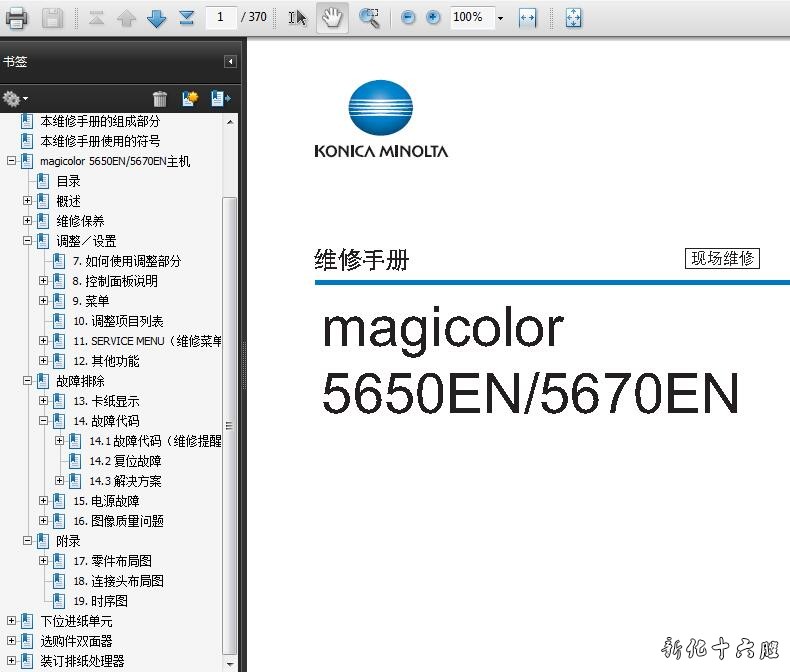
Kemei Konica Minolta Magicolor 5650EN 5670EN Chinese Maintenance Manual+Circuit Diagram+Operating Principle
Function: Set the custom paper size in Paper Box 1. Usage: Used to specify the custom paper size to be loaded into Paper Box 1. Settings/Step 1 Select [CUTOM SIZE] and press the menu/select key. 2. Select either Width or Length, and then press the Menu/Select key. 3. Set the desired value by using the up/down arrow keys, and then press the menu/select key. < 对于北美地区> The default width setting is 8.50 inches. WIDTH (width): 3.63 inches to 8.50 inches. The default length setting is 11.00 inches. LENGTH (length): 5.83 inches to 14.00 inches. < 对于其他地区> The default width setting is 210 mm. WIDTH (width): 92 mm to 216 mm. The default length setting is 297 mm. LENGTH (length): 148 mm to 356 mm. Note • By changing the [UNIT OF MEASURE] setting (INCHES/MILLIMETERS), the unit of custom dimensions can be changed. Link: https://pan.baidu.com/s/1WYNKeDGEtQh5wnvmbnx2YA Extraction code: 7e0z |
Address of this article:https://073868.com/post/424.html
Copyright Notice:
For relevant infringements, reports, complaints and suggestions, please send E-mail:weixiuwang68@qq.com







