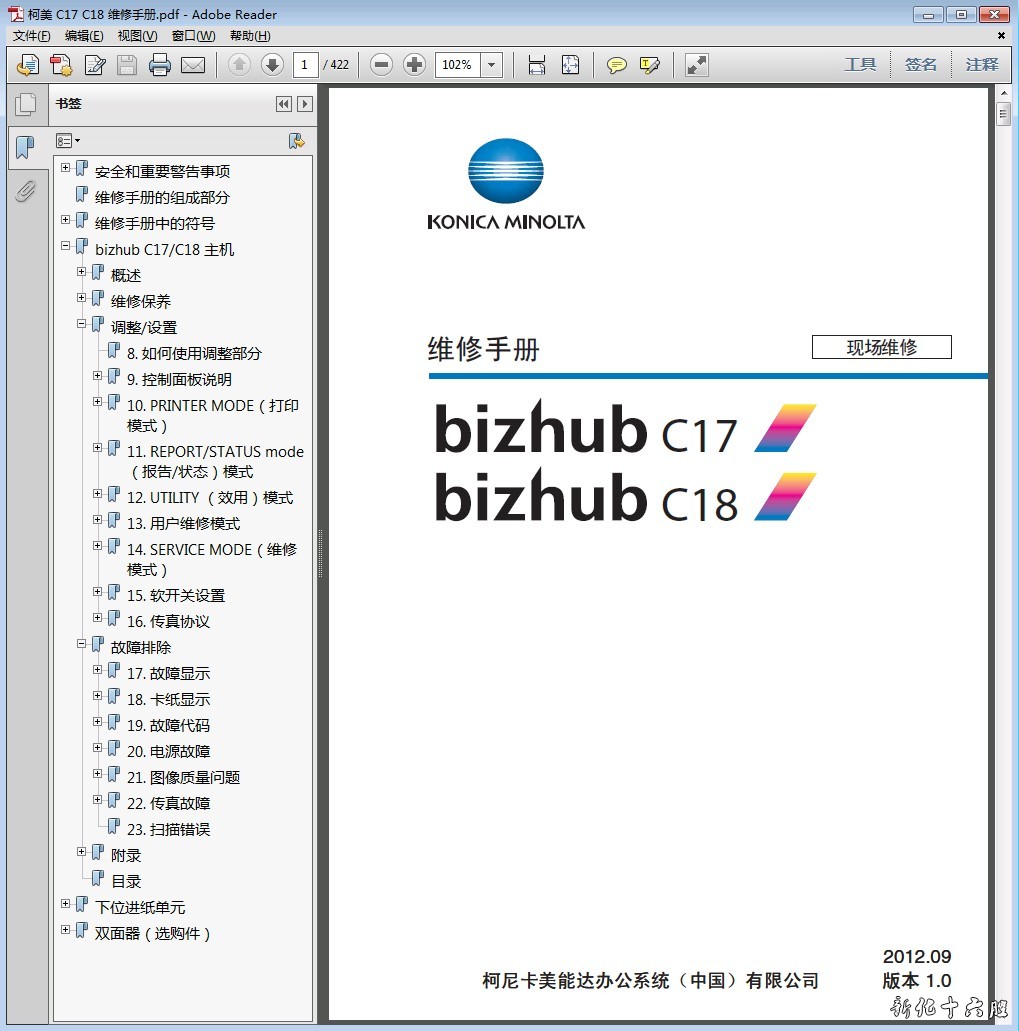
Konica Minolta Comet bizhub C17,C18 color copier Chinese repair manual
Visitor2950
Konica Minolta Konica Bizhub C17 C18 Color Copier Chinese Maintenance Manual On site Maintenance+Operating Principles+User ManualLanguage: ChineseFormat:PDFElectronic, no encryptionPage count: 422The manual is detailed and illustrated. It is a good helper for maintenance personnel. With the maintenance manual, you don't have to worry about the disassembly and troubleshooting of this machine.!Even ordinary users can solve simple faults according to the maintenance manual.
Function: Remove (or replace) each toner cartridge in sequence and move it to a position where all toner cartridges can be removed (or replaced).Purpose: Remove (or replace) all toner cartridges.Settings/Step 1 Select [RINTER MODE] → [T/C CHANGE] → [EJECTMODE], then press the Select key.2. Rotate the bracket to move the specified color toner cartridge to the replacement position. When the bracket stops rotating, the display screen shows[REPLACE MODE CHANGE X TONER] information.3. Open the front cover and remove the magenta toner. (Or replace with magenta toner.)4. Close the front cover plate. Then the display screen shows [EJECT MODE REMOVE C TONER] (pop-up mode removed)Blue toner information.5. Repeat the same steps to replace all toner cartridges.Note •The replacement sequence of toner cartridges is: M → C → K → Y → M.6. Close the top cover plate. Then the initial screen will be displayed again.Function: Move the toner cartridge (magenta) to a removable position to ensure that the print head window can be cleaned.Purpose: Clean the print head window.Settings/Step 1 Select [RINTER MODE] → [T/C CHANGE] → [P/HCLEAN UP] (P/H cleaning), then press the Select button.2. Rotate the bracket to move the specified color toner cartridge to the replacement position.When the bracket stops rotating, the display screen shows [REMOVE M TONER CLOSE COVER] (remove magenta)Color toner and close the cover.3. Open the front cover and remove the toner cartridge (M).4. Close the front cover plate.5. When [REMOVE I/C CLEAN GLASS] is displayed, open the top cover and remove itImaging box.6. Wipe the print head window with a soft dry cloth.7. Close the top cover plate.8. When [CLEAN FULL PRESS STOP KEY] is displayed, press the stop buttonPress the Stop/Reset button.When [INSTALL M TONER CLOSE COVER] is displayed (Install magenta toner and close cover),Install the toner cartridge (magenta) and close the front cover.
Link: https://pan.baidu.com/s/1Z26Z9Gzl1rKrWWXaET44Sw
Extraction code: p1cq
After copying this content, open Baidu's internet disk mobile phone App, which is more convenient to operate.