
|
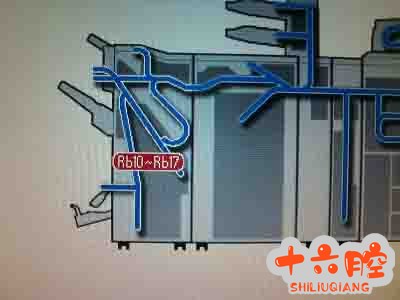
Ricoh 1350906110690713571107 Universal [Symptoms]After delivering the paper to the moving tray of the booklet processor SR5020, an initial paper jam (J001) occurred. Although the front compartment door of the processing machine was opened and closed, no paper was left inside the machine, and the initial paper jam (J001) did not disappear, the machine cannot be reset.
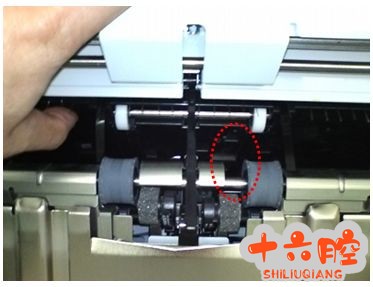
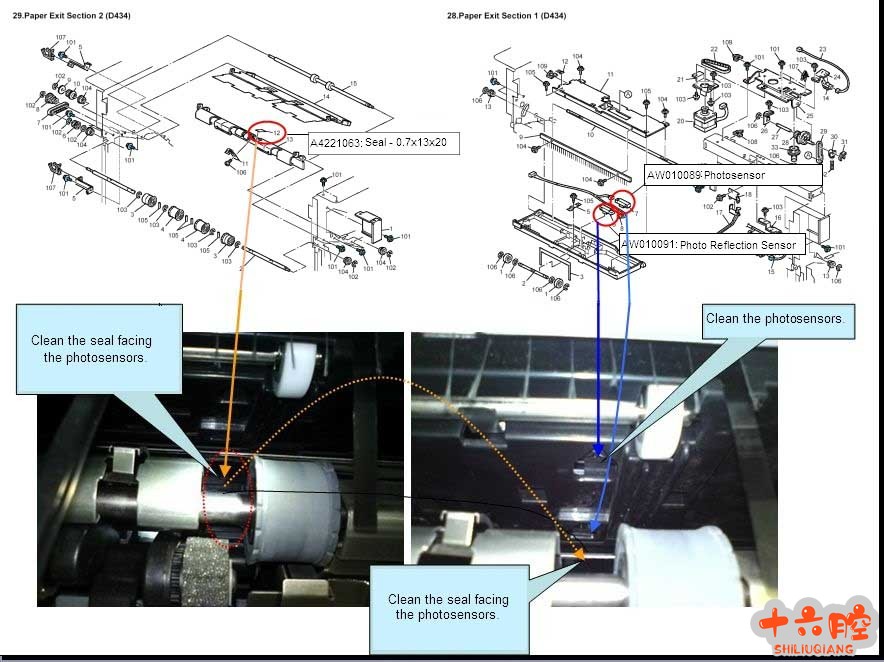
[Cause]The photo sensor seal of booklet processor SR5020 has paper dust.Note:Using paper with a large amount of paper dust, the paper dust accumulates on the seal of the photo sensor, causing the sensor to mistakenly detect that the paper is still in the machine after it is delivered through the sensor.[Solution]When an initial paper jam occurs, follow the steps below. -Check if there is paper dust adhering to the seal and clean it. -Clean the photo sensor.
|
Address of this article:https://073868.com/post/3465.html
Copyright Notice:
For relevant infringements, reports, complaints and suggestions, please send E-mail:weixiuwang68@qq.com







