
|
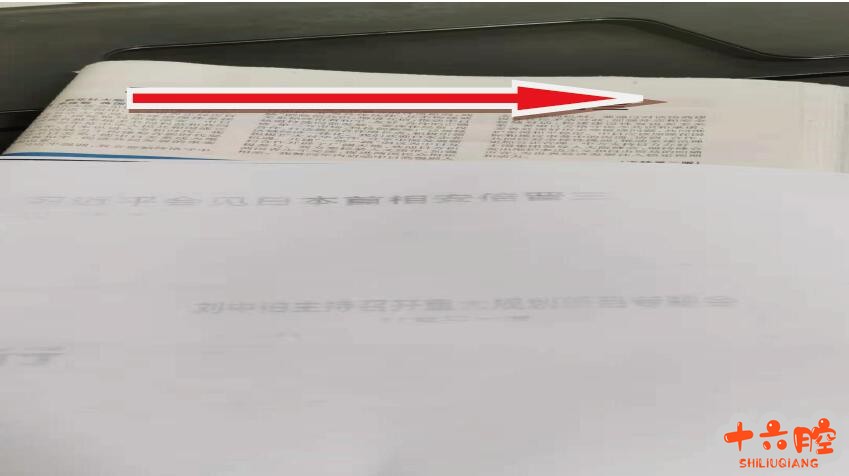
When the MP 3555SP is copying or printing, the image density on one side of the copy often appears light (see the figure below).
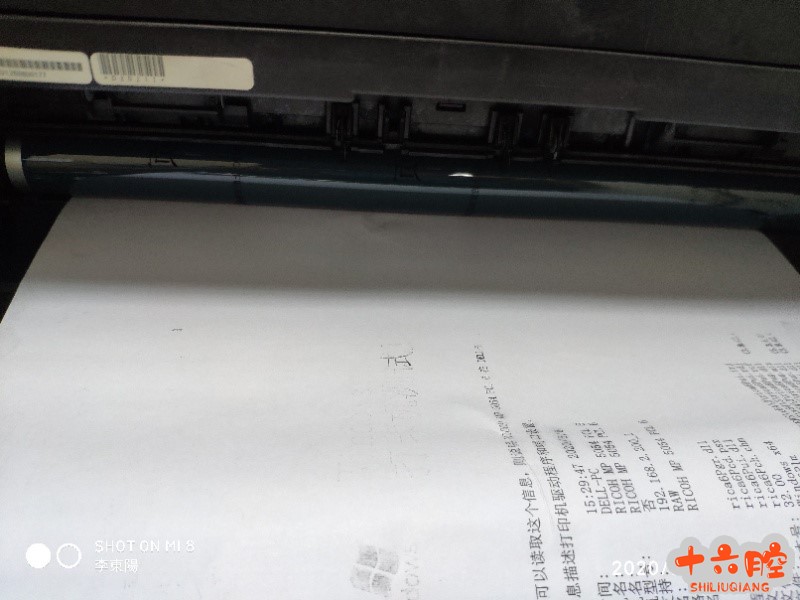
Diagnostic process: 1: First clean the dust-proof glass above the LD laser unit, the fault remains after cleaning. 2: Do a print test and make paper jam to check the image on the drum, and confirm that the image density on the drum surface is normal and there is no shallow phenomenon on one side. (See the figure below)
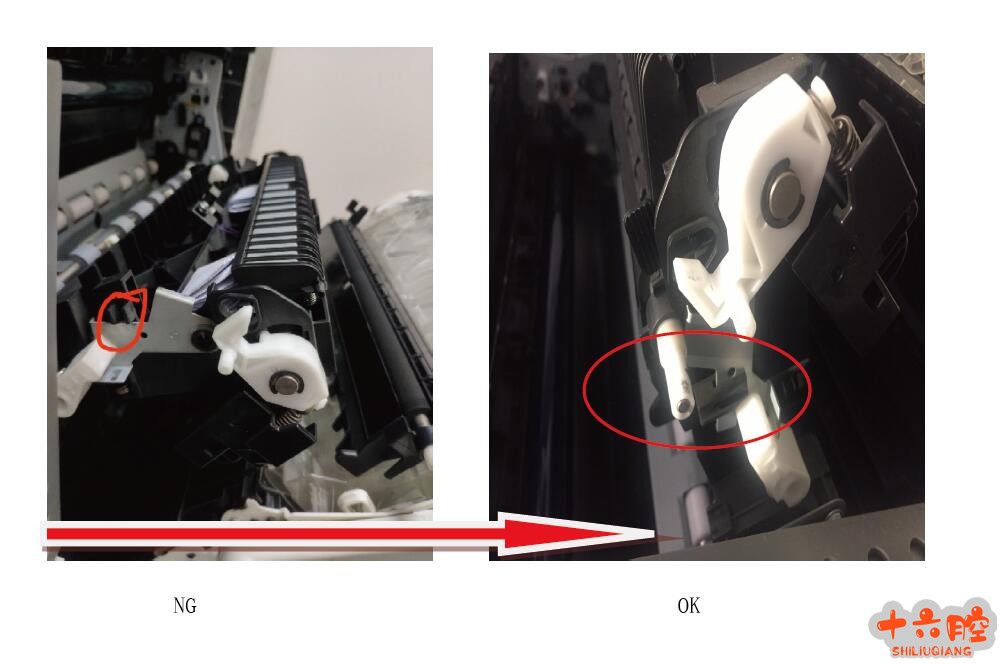
3:. Replace the transfer roller assembly, the fault remains. 4: Check the transfer part carefully and find that the front side arm of the transfer roller is broken and cannot be stuck in the correct position, causing the transfer roller to be unable to touch the drum when working, resulting in the failure phenomenon (see the figure below)
Solution: Replacing the part transfer bracket unit (D2026220) Troubleshooting. |
Address of this article:https://073868.com/post/3306.html
Copyright Notice:
For relevant infringements, reports, complaints and suggestions, please send E-mail:weixiuwang68@qq.com
Tags: #3555 #Light color #Transfer printing







