
|
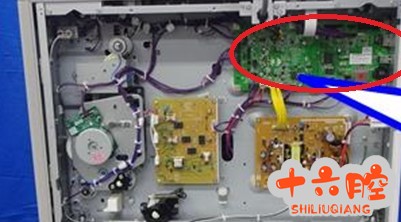
After the copying job is completed, the machine does not stop and continues to run. After shutting down and restarting the machine, it operates normally. Diagnostic process: 1) Plug and unplug the MPU board harness connector again, and the fault persists. 2) The machine firmware was upgraded, and a full reset was performed, but the issue persists. 3) After replacing the MPU board, the fault is solved.
|
Address of this article:https://073868.com/post/3128.html
Copyright Notice:
For relevant infringements, reports, complaints and suggestions, please send E-mail:weixiuwang68@qq.com







