
|
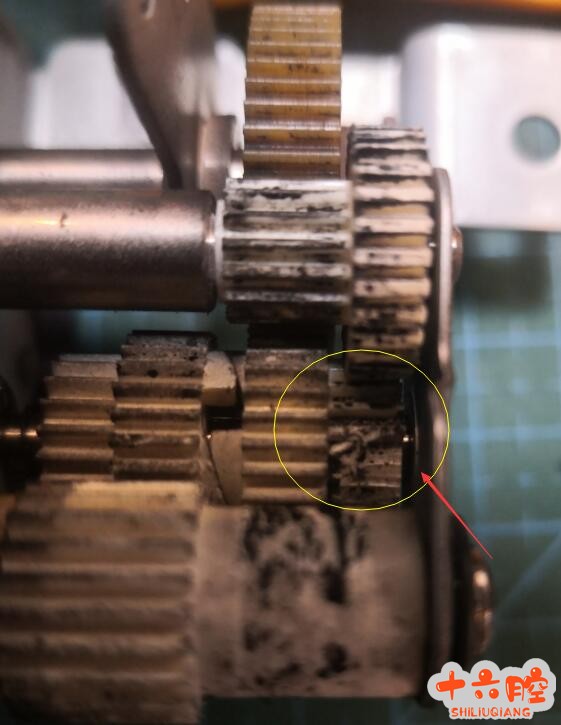
Print a few hundred sheets to produce SC54-2, enter maintenance mode and turn off the machine to eliminate it. Print a few hundred sheets again and frequently produce. Check the fixing and cleaning components. Remove the motor and manually rotate the gear, which has high resistance. Disassemble the gear set and carefully inspect one gear for wear. Replace the gear and solve the problem
|
Address of this article:https://073868.com/post/2907.html
Copyright Notice:
For relevant infringements, reports, complaints and suggestions, please send E-mail:weixiuwang68@qq.com
Tags: #SC540-2 #sc540 #6002 #7502 #Cleaning components







