
|
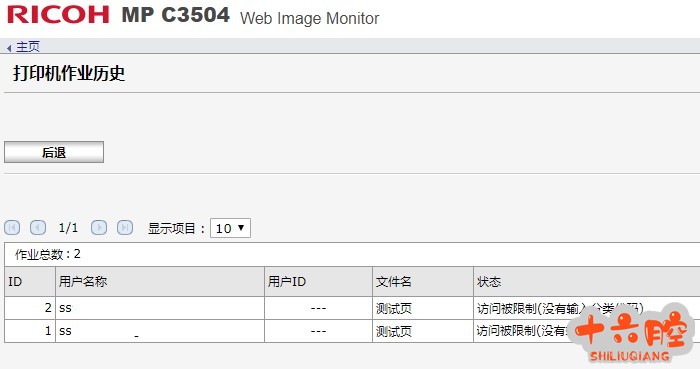
Symptoms MPC3504 cannot print normally, and the job record shows' access restricted '. Maintenance process 1. Print the test page, but the job output is not normal. Check the printer job history and it shows "Access restricted (no classification code entered)";
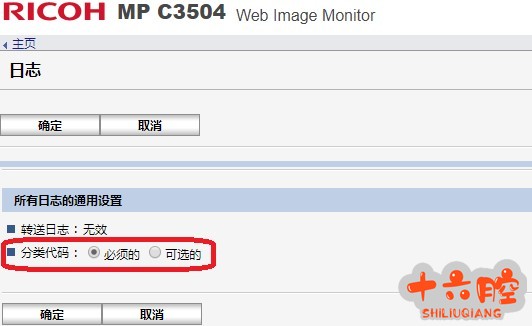
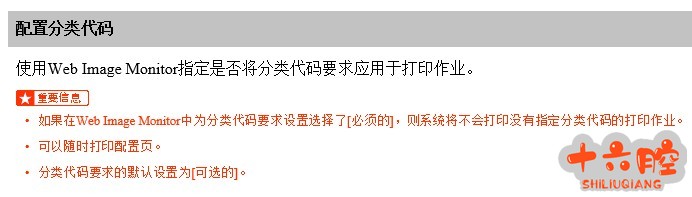
2. Open the device webpage, log in as an administrator, select "Configuration", enter the "Log" settings interface, set the classification code to "Required", and check that other machines are set to "Optional" by default;
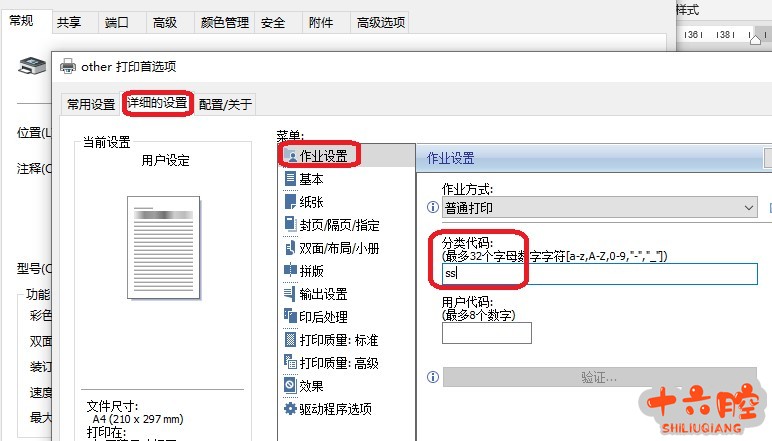
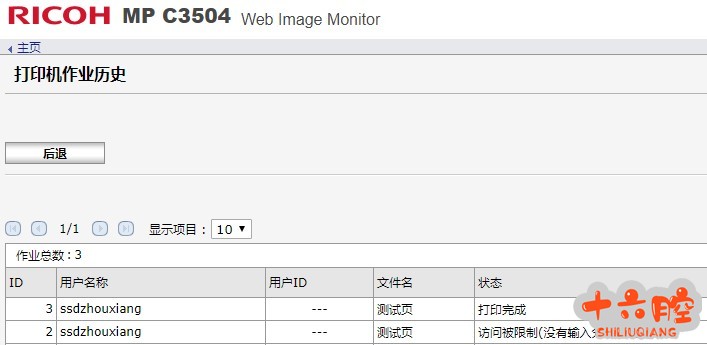
3. Enter the classification code in the print driver and print again to solve the problem.
Regarding the explanation of this setting in the user manual:
|
Address of this article:https://073868.com/post/2894.html
Copyright Notice:
For relevant infringements, reports, complaints and suggestions, please send E-mail:weixiuwang68@qq.com
Tags: #3504 #Unable to print #Access is restricted







