
|
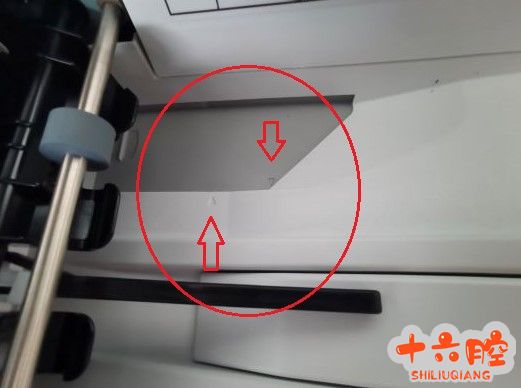
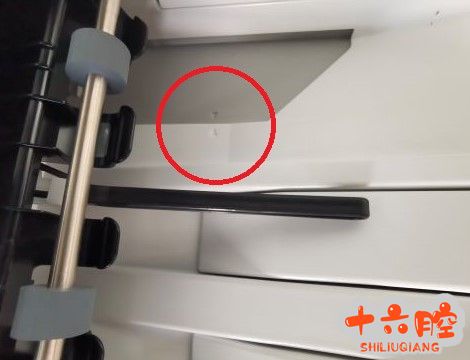
Symptom: After installing a new machine, it shows a "P" card jam when stuck Analysis process: 1. After reconnecting the wire harness of the document feeder, it still shows a paper jam. 2. Use input to check and test that the sensors inside the document feeder and cover plate are normal. 3. Due to a similar malfunction with the previous generation document feeder DF3090, the seal box bracket was checked and found to be out of place. (See the picture below) 4. After resetting the seal box bracket, the card jam symbol disappears and the machine is normal! (See the image on the right below)
Note: 1. When installing a new machine, attention should be paid when removing the tape due to the adhesive tape attached here. 2. The white lining of the document feeder is located on the inner layer of the packaging box. Do not forget to install it to avoid damage. Solution: After resetting the seal box bracket, the card jam symbol disappears and the machine is functioning normally! Troubleshooting. |
Address of this article:https://073868.com/post/149.html
Copyright Notice:
For relevant infringements, reports, complaints and suggestions, please send E-mail:weixiuwang68@qq.com
Tags: #P cardboard #Document Feeder #2500 #3000 #4000







