
|
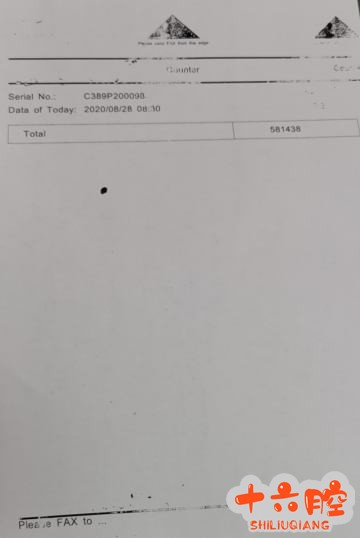
Symptoms: Copy and print duplicate images, as shown below
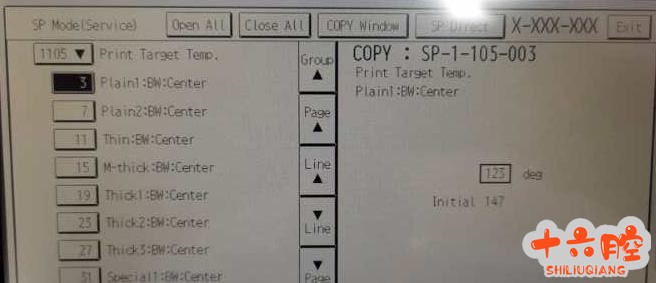
Maintenance process: 1. Check that the fixing temperature is normal, as shown in the following figure 2. Change the paper type to thick paper for normal copying and printing (place regular paper in the tray) 3. After investigation, it was found that the machine was using the Yuexiangyin Basic Edition at the original customer's location and was manually removed after being withdrawn. 4.5-824 After backup, the machine was fully cleaned and copying and printing were normal.
Solution: Considering that the software may not have been completely uninstalled during uninstallation, it is recommended to first backup the NVRAM data and then fully clean the machine. After full cleaning, the entire machine is normal. |
Address of this article:https://073868.com/post/1376.html
Copyright Notice:
For relevant infringements, reports, complaints and suggestions, please send E-mail:weixiuwang68@qq.com
Tags: #Double image #2555 #3055 #Fixing







