
|
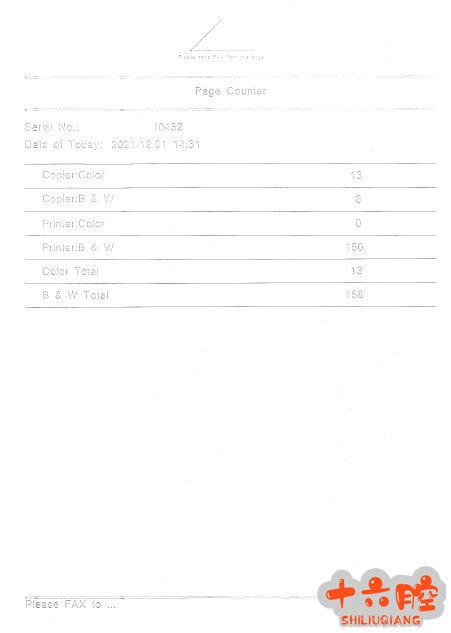
Symptoms Printing and copying color images are normal, the black image is light, and the fault sample is shown in the following figure:
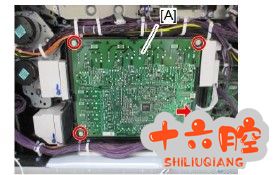
Diagnostic process 1) Check the contact release mechanism of the black image transfer roller in the ITB unit, which can be released normally without any abnormalities. 2) Check the charging and developing contact terminals in the black PCDU and no abnormalities were found. 3) Replace the black PCDU, but the fault persists. 4) Check the laser unit and no lens displacement or detachment is found. 5) Replacing the laser unit for testing, the fault persists. 6) Replace the HVB-CB high-voltage board for testing and resolve the issue. The faulty component is shown in the following picture as part [A]
Solution Replace the HVP-CB high-voltage board and resolve the issue. |
Address of this article:https://073868.com/post/1260.html
Copyright Notice:
For relevant infringements, reports, complaints and suggestions, please send E-mail:weixiuwang68@qq.com
Tags: #Shallow image #Black #c2500 #c6000 #High pressure plate






