
|
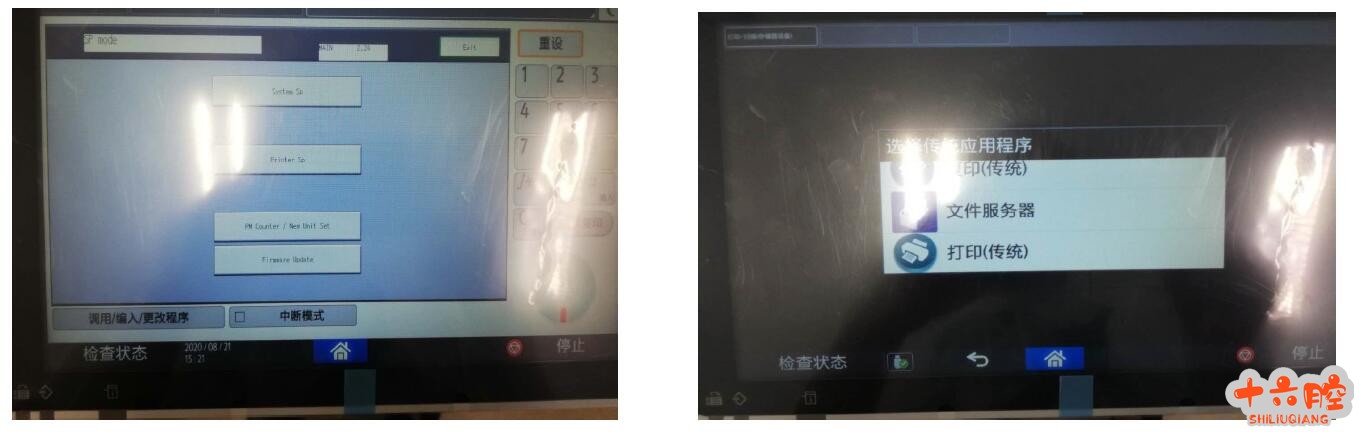
Symptoms There is no failure of the scan function after the machine is started. (Note: View the machine screen, user tools, SP repair mode and U disk scanning are not scanning function)
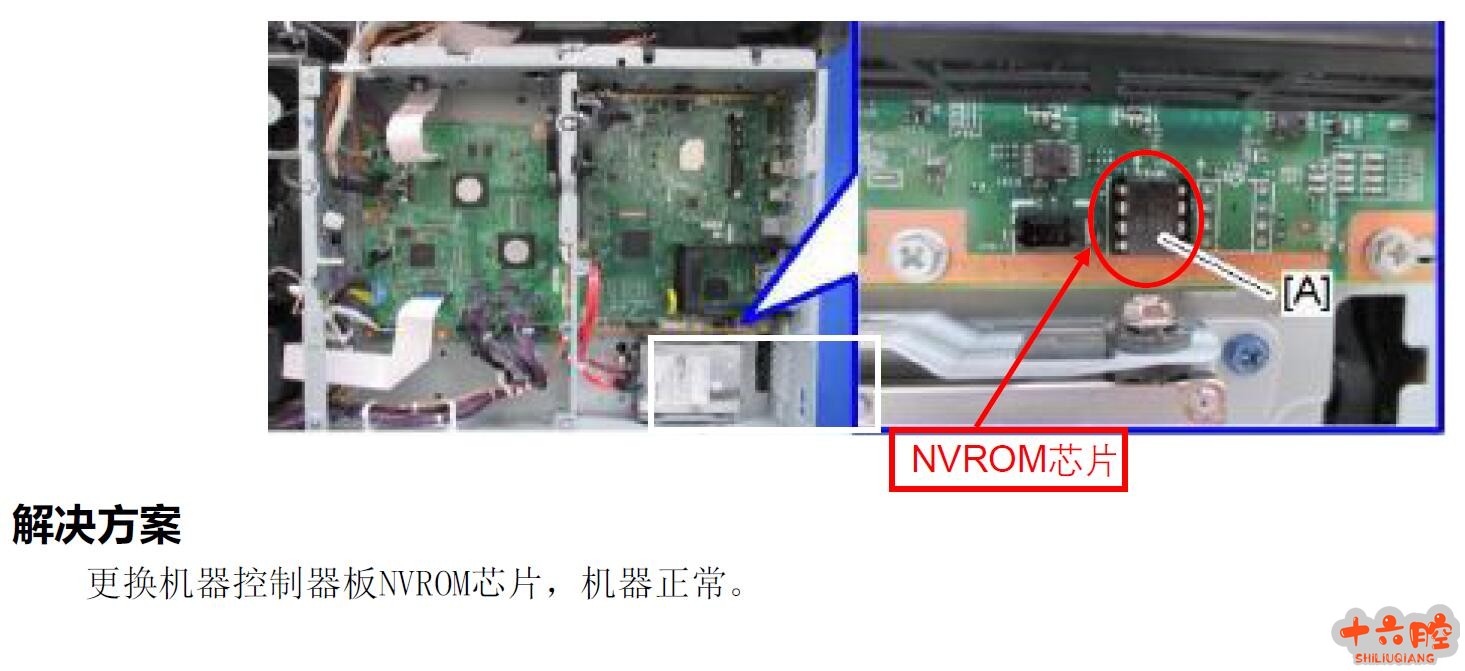
Reason The machine's controller board connection harness is poor. The machine’s hard drive unit is malfunctioning. The firmware version of the machine is bad. The NVROM of the chip on the control board of the machine is bad. The control panel of the machine is bad. Maintenance process On-site maintenance measures: 1) Check the relevant wiring harness on the machine, remove and install the controller board and hard disk unit. The machine has been started, but the fault cannot be resolved. 2) Upgrade the latest firmware of the machine, replace the controller board and hard disk unit, and the fault still exists. [kkpay = 5]3) Replace the NVROM chip on the machine controller board and troubleshoot.
|
Address of this article:https://073868.com/post/1256.html
Copyright Notice:
For relevant infringements, reports, complaints and suggestions, please send E-mail:weixiuwang68@qq.com
Tags: #Scan #Control panel #chip #4500






