
|
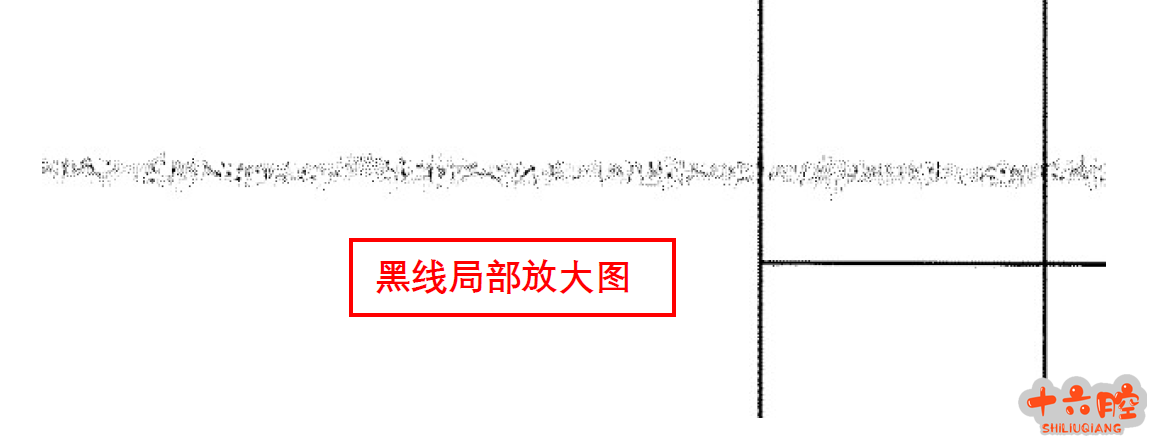
Symptoms: The newly installed machine has a malfunction with black lines in the printing rules. Maintenance process: 1. The fault persists when printing the counter page. After confirming the issue through SP2109 printing test samples, only the black sample showed the fault phenomenon, while the other CMY three color samples were normal. The fault should be concentrated on the black PCDU; 2. The distance between the measured fault lines is about 37.5mm. After comparing with the maintenance manual, this distance is close to the circumference of the charging roller, and upon careful inspection, the black line is not a solid black line, but rather a pattern image (see figure below);
3. Disassemble the black PCDU unit to inspect the charging roller, and there is no obvious dirt on the charging roller; 4. When rotating the charging roller, there is a slight stuttering feeling. Upon careful inspection, it was found that there is a shallow depression on the cleaning roller of the charging roller; 5. Upon careful observation, it was found that there was slight dirt on the charging roller. After cleaning, the machine malfunction was temporarily resolved. However, the depression on the cleaning roller of the charging roller has not been restored, and prolonged use may lead to poor charging cleaning; 6. After investigation, it was found that this machine had been tested and turned on before, but it was not used for a long time. During long-term storage, the contact position between the charging roller and the cleaning roller deformed, and the dirt on the cleaning roller adhered to the charging roller, causing this malfunction to occur. Solution During long-term storage, the contact position between the cleaning roller and the charging roller deformed, and the dirt on the cleaning roller adhered to the charging roller, resulting in this malfunction. |
Address of this article:https://073868.com/post/1213.html
Copyright Notice:
For relevant infringements, reports, complaints and suggestions, please send E-mail:weixiuwang68@qq.com
Tags: #Black line #C4500 #c3500 #Charging roller #Black PCDU





