
|
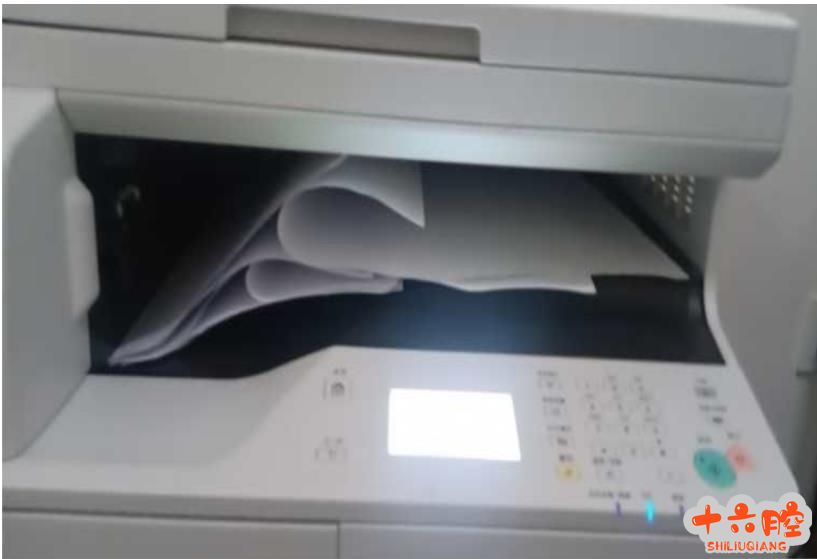
Canon low-speed black-and-white machine paper curl, paper jam (paper front into the photosensitive drum) adjustment instructions Paper output curl
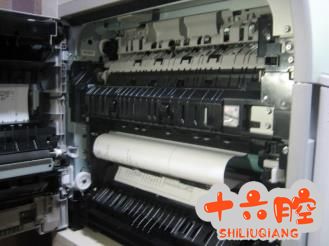
Paper jam (the front end of the paper enters the photosensitive drum)
Adjustment Method of Paper Curl and Paper Jam of Low Speed Black and White Machine
2. Prevent curling and paper jam when outputting damp paper under low temperature and high humidity, high temperature and high humidity environment (the front end of the paper enters the photosensitive drum);
IR 2206 series adjust the user mode and maintenance mode, reduce the machine paper curl and 010c paper jam setting instructions: IR 2202_2002 Series Adjust the user mode and maintenance mode to reduce machine paper curl and 010c paper jam setting instructions: When the following adjustment method is not obvious, the photosensitive drum separation claw can be installed to solve the field problem Note: 1. After installing the photosensitive drum separation claw, the life of the photosensitive drum will be affected, and the life of the photosensitive drum will be reduced. Before pasting, explain to the customer and the customer agrees to install the photosensitive drum separation claw; 2. When the separation claw is found to be deformed during use, please replace the new separation claw in time to prevent the deformed separation claw from scratching the surface of the photosensitive drum 3. Photosensitive drum separation claw Part No.: CCN-C001-000000 Link: https://pan.baidu.com/s/1b0mJr05a_OQn1_GBSS8lQA Extraction code: 4cg3 |
Address of this article:https://073868.com/post/5120.html
Copyright Notice:
For relevant infringements, reports, complaints and suggestions, please send E-mail:weixiuwang68@qq.com







