
|
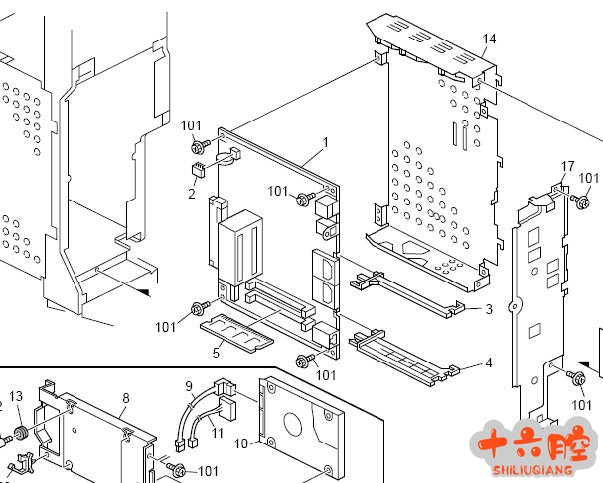
Symptoms After turning on, the machine keeps displaying 'please wait', unable to enter the work interface. This machine only has a copying function. Reason 1. This fault is generally caused by a faulty controller board. After replacing the controller board, the machine displays SC672. 2. Continue to replace the NVRAM on the controller board and troubleshoot. 3. If the NVRAM is replaced separately and the machine still displays, please wait. Solution Replace the controller board and NVRAM (as shown in parts 1 and 2 below) to eliminate the fault.
|
Address of this article:https://073868.com/post/1205.html
Copyright Notice:
For relevant infringements, reports, complaints and suggestions, please send E-mail:weixiuwang68@qq.com
Tags: #Please wait. #NVRAM #2852 #3352







