
|
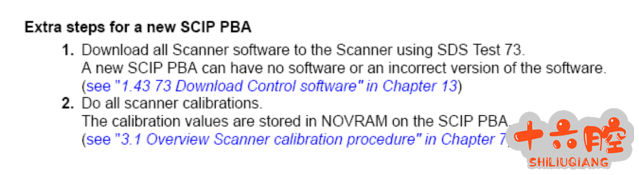
Theme: ReplaceUnable to communicate with the controller after SCIP PBA of IITOverviewReplaced with a new oneAfter SCIP PBA, it was found that CP-CONT and IIT were unable to communicate. ContentThe engineer has been replacedAfter SCIP PBA, it was found that IIT could not enter the normal operation interface, and the CP-CONT displayed that the IIT status was turned off. After entering the diagnosis through WEB SDS, it was found that the App build version in IIT displayed an unknown status. SolutionAccording to Chapter 8 of the maintenance manual, regardingThe instructions for replacing SCIP PBA require downloading all software versions from CP-CONT to update the Scanner after installing SCIP PBA. And perform all scanner calibrations.
|
Address of this article:https://073868.com/post/908.html
Copyright Notice:
For relevant infringements, reports, complaints and suggestions, please send E-mail:weixiuwang68@qq.com







