
|
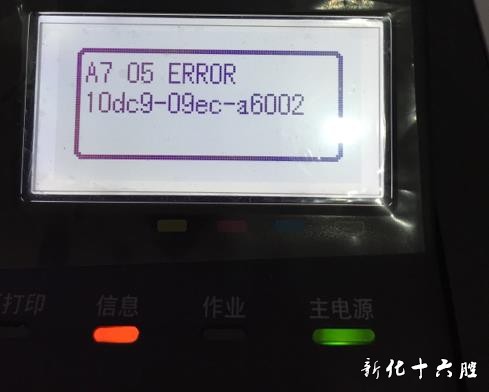
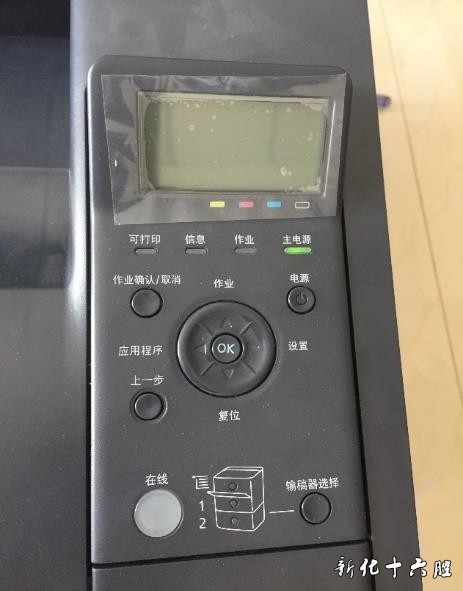
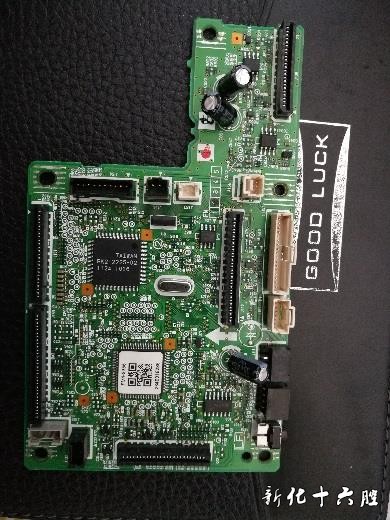
Fault phenomenon: After turning on, the power indicator light of the machine lights up, the screen does not light up, and the machine has no action; After 3 minutes, the machine will start up normally and print normally; After replacing the motherboard and memory, the fault persists, but the machine does not start for 10 minutes; 3. Repeat the test, turn on and off the machine ten times, and the machine still has the fault phenomenon. After turning on, the power indicator light is on, but there is no action. After 3 minutes, the machine starts normally, but each time it has to wait for three minutes; Processing procedure: 1、 The machine can finally start and print normally, so the faults of transfer printing, fixing and other components have been ruled out; 2、 Preliminary assessment of the interface board, memory, and DC control board. After upgrading the firmware and replacing the logic board and memory, the fault persists; 3、 Multiple power on and off tests, during which it is still necessary to wait for 1 to 5 minutes before starting; During the testing period, occasional malfunctions occurred as shown in Figure 1; 4、 Replace the new DC board, solve the problem, test the machine multiple times, and start it instantly after startup; Replace the old interface board again, but the fault persists;
|
Address of this article:https://073868.com/post/857.html
Copyright Notice:
For relevant infringements, reports, complaints and suggestions, please send E-mail:weixiuwang68@qq.com
Tags: #LBP7660 #Power-on startup #Abnormally slow







