
|
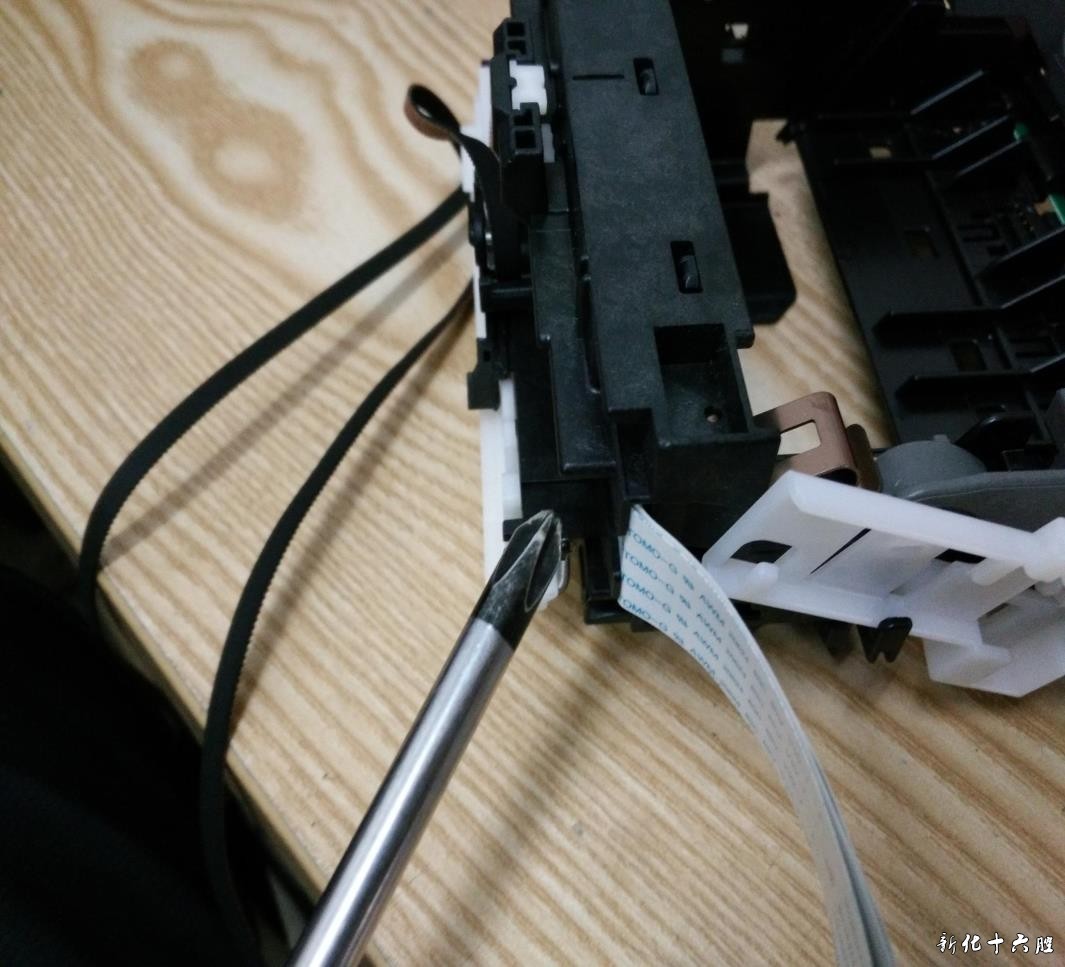
Processing procedure: By checking the maintenance manual and reporting that the B200 problem is a VH monitor error, first remove the print head and restart it. The machine can start and confirm that the print head is definitely broken. Remove the machine to check that the main board and the car are not obviously burnt out. Based on past experience, it is enough to replace the new print head if the B200 is wrong. However, this machine still reported B200 after replacing a new print head, and the fault remained. Replacing a motherboard again is still the same problem, and finally replacing a trolley and print head is solved. Carefully check the trolley pen holder and find that the cable of the trolley head is broken.
|
Address of this article:https://073868.com/post/855.html
Copyright Notice:
For relevant infringements, reports, complaints and suggestions, please send E-mail:weixiuwang68@qq.com







