
|
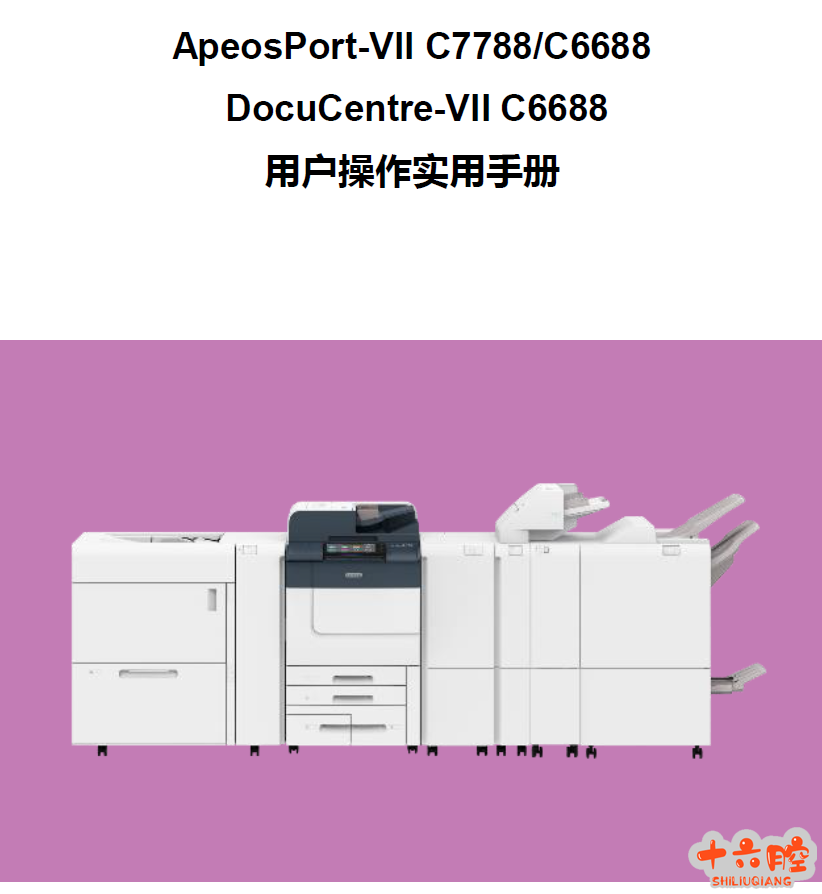
Xerox AP VII C7788 C6688,DC VII C6688 User Manual Instructions Administrator Setup Guide Easy Operation Guide
AirPrint is an Apple technology. With AirPrint, you can easily print lossless photos and files from your Mac, iPhone, iPad, or iPod touch Draft, no need to download or install drivers. The printer has built-in AirPrint features. To use your AirPrint printer with your Wi-Fi network, make sure your printer is connected to the same network as your iOS device or Mac. Then, select the AirPrint printer from your favorite apps to start printing. Select the required printer from the printer list, set the number of copies and color mode, and then click [Print] Select the photos to be printed and click Print Photos Supplement: If the device has the authentication function enabled, you need to use the Print Utility to print Link: https://pan.baidu.com/s/1u-WjqtEfcr_oM2yRfw5Dcg Extraction code: a04k |
Address of this article:https://073868.com/post/697.html
Copyright Notice:
For relevant infringements, reports, complaints and suggestions, please send E-mail:weixiuwang68@qq.com







