
|
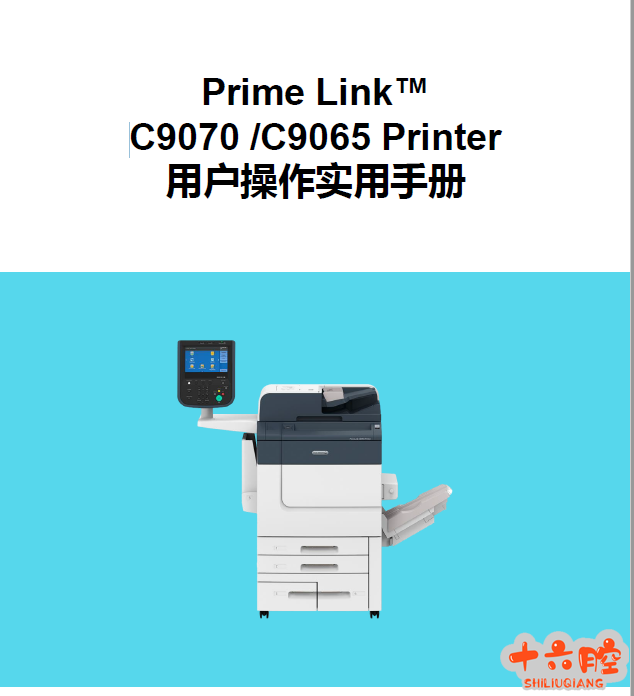
Xerox PrimeLinkTM C9070, C9065 User Manual Instructions+Administrator Settings Guide+Easy Operation Guide (Chinese)
Enter the server's IP address in the client's browser to connect to the server. Click [Download] to download the service's application and manual. Display applications on Mac system in Mac; Display applications under the Windows system, such as the PrintStation client and printer drivers, in Windows, Drop Utility, Scan drivers and other tools; The user manual for the server is displayed in the instruction manual. It is recommended to install Print Station first, and then install the printer driver. Otherwise, Microsoft. NET Framework 4 needs to be installed on the client first, and then the printer driver needs to be installed. The Microsoft. NET Framework 4 software can be found in the Print Station installation package. Xerox PrimeLink C9070, C9065 Chinese Maintenance Manual+User Manual https://www.16qiang.cn/forum.php?mod=viewthread&tid=13475 Link: https://pan.baidu.com/s/1hkvEOmgWdJ2HwBRov7y5JQ Extraction code: jq6w |
Address of this article:https://073868.com/post/515.html
Copyright Notice:
For relevant infringements, reports, complaints and suggestions, please send E-mail:weixiuwang68@qq.com







