
|
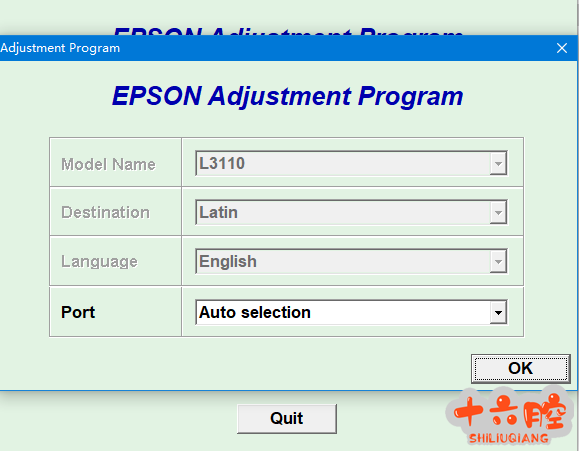
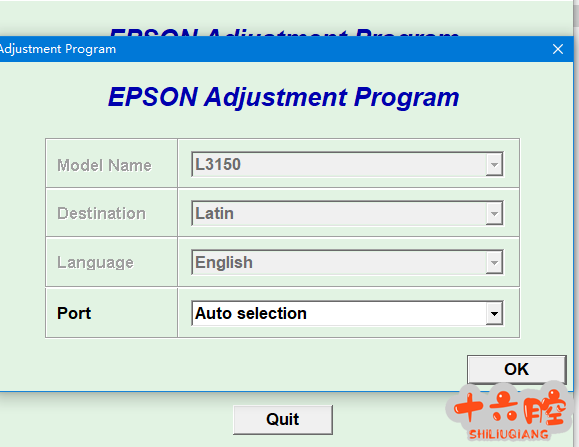
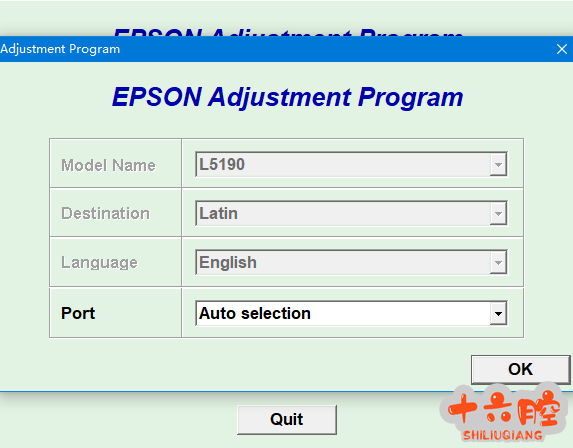
Epson L3110 L1110 L3150 L5190 (Latin) - Epson L3110 L1110 L5190 ink absorber program can clear printer model L3110 L1110 L5190 100%. If you encounter problems, complete ink absorber, full ink lining, alternating flashing lights, printer does not work. You can load the ink absorber clear program, which can be used to The Epson ink absorber program can be used 100% by simply plugging the printer USB cable into a computer or laptop, opening the program, selecting the printer model and choosing Port USBxxxx (Lxxx) (* Do not select Port AUTO *) and selecting the Section ....>Waste ink pad>Check the "main pad counter" or some models may have multiple, check them and press "Initial..." to turn off the printer and turn it back on. If the indicator light is green, it means it has been cleared. If not, please uninstall the printer driver first. Close it, reopen it, and try again. This ink dispenser cleaning program will definitely fix the symptom of the ink dispenser being full. Distribute to you for use without the need for major repairs to the center, wasting your valuable time. Unless the ink cartridge is really full. This also needs to be changed by buying a shipping line. Main functions of the program
Link: https://pan.baidu.com/s/1TT78S1HwaloL71zF9PdEHg?pwd=ed9m Extraction code: ed9m Unzip password: sbz If you need a password to open it, it is: i-loadzone.com |
Address of this article:https://073868.com/post/5867.html
Copyright Notice:
For relevant infringements, reports, complaints and suggestions, please send E-mail:weixiuwang68@qq.com
Tags: #L3110 #L1110 #L5190 #Zeroing software







